6
With the shift to common motor control modules across multiple models (global controller) it will be
necessary when changing the controller to pair the controller to the display module. This process is
called 'Model ID setting'.
To set the Model ID
Turn the 'Power' on at the supply and off at the console
Press 'Keylock' and 'Spin Speed' until the machine beeps
Select the correct model as per the table below using the '+' key' to toggle through the options
Press the 'Start/Pause' button; the LED's are illuminated to confirm the selection.
Model ID setting
If A 00 shows in the display check the part numbers of the controller and or display being fitted
as they are not compatible with each other
Incompatible
electronic
combination
A 00
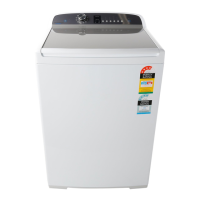
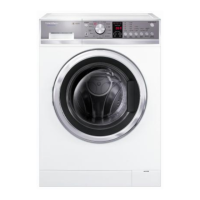
WL8060P1 A 01
WA8560P1
WA8060P1
A 02
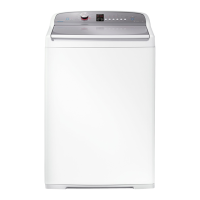
WA1060E1
WA1060E2
WA8560E1
WA8060E1
A O3
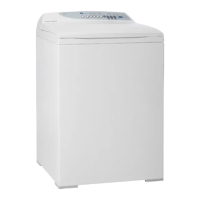
WA7560E1
WA7060E1
A 04
WA1060G1
WA8560G1
WA8060G1
A 05
WA7060G1 A 06
WA7060M1 A 07
WA9060G1 A 09
WA7060G2 A 09
WA7060M2 A 10


 To Next Page
 Loading...