4
2.0 MACHINE SIZE SETTING MODE
It is important to set the size setting into the Motor Controller's memory whenever a replacement
Motor Controller or Display Module is fitted to the washing machine. Failure to do this will result
in the machine faulting to detailed fault code 9.
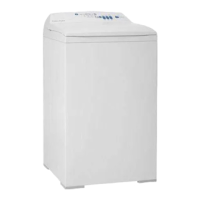
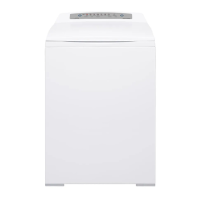
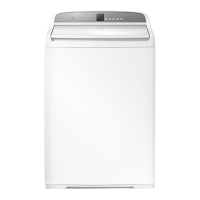
The size setting procedure for GWL08 differs from the previous GWL03 Smart Drive washing
machine.
To enter the Machine Size Setting Mode:
1. Turn the power on at the power point and off at the console.
2. Press and hold the WASH TEMP UP button then press the POWER button. The machine will
give 4 short beeps and the pattern of the LED's will change.
3. Press the SPIN SPEED UP until the SPIN HOLD LED turns on.
4. Press the POWER button to exit this mode and return to normal operation.


 To Next Page
 Loading...