8
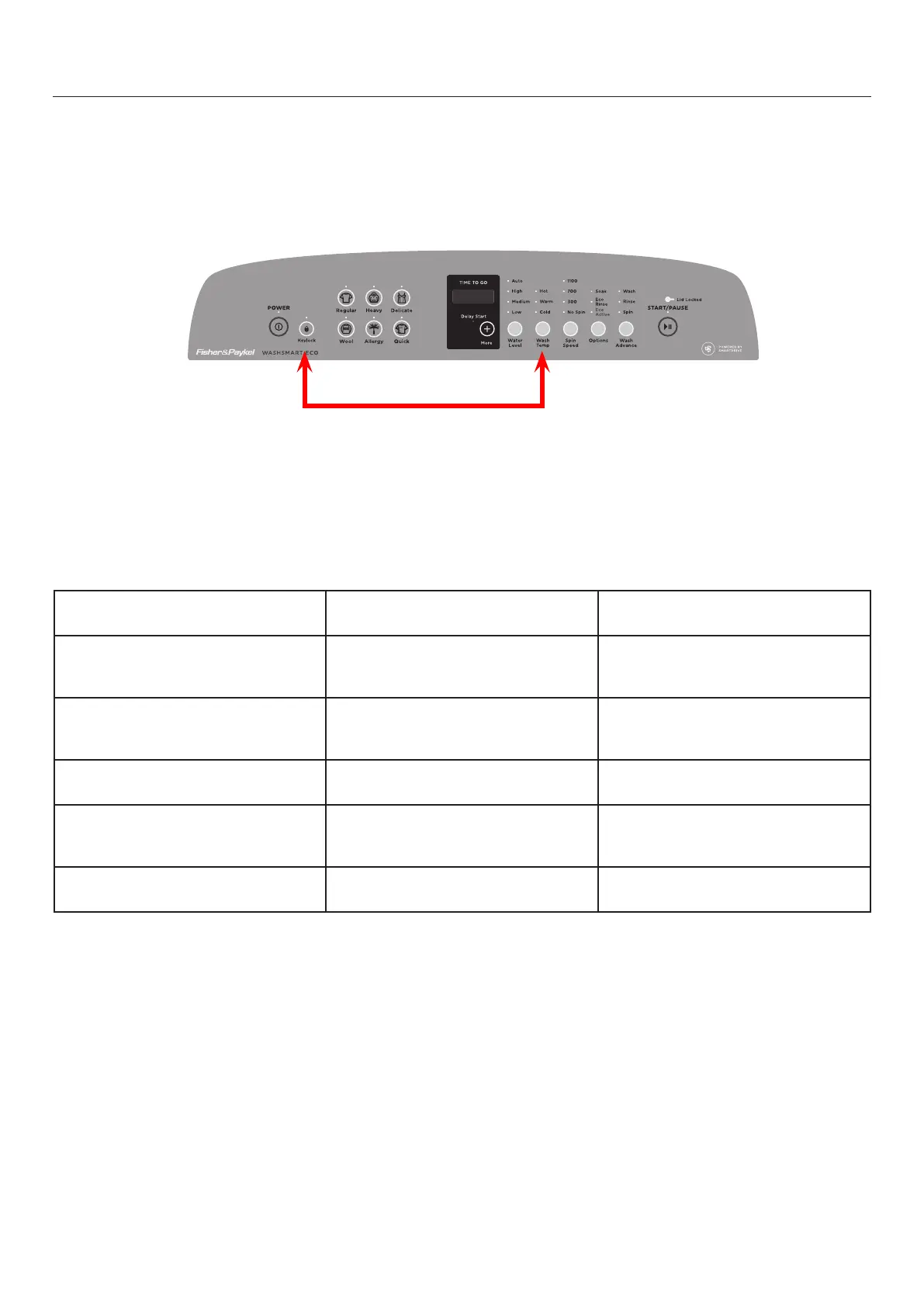
Press and hold the 'Keylock' and 'Washtemp' buttons. Keeping them pressed for at least 3 seconds, after
which time two beeps will sound and d 00 is displayed.
Note: Diagnostics mode can be entered while the product is running.
While in Diagnostics mode the following components can be operated.
Diagnostics Mode
COMPONENT SELECT THEN TOUCH
Hot valve
Cold valve
*Detergent valve
Regular cycle Temperature button
Spin button
Options button
*Fabric softener valve
*Wash boost valve
Hot bowl flag
Heavy cycle Temperature button
Spin button
Options button
Pump drain
Recirc valve
Delicate cycle Temperature button
Spin button
Recycle (on/off)
Restart (on/off)
Wool/ Easy Iron cycle Temperature button
Spin button
Smart tool opto down load Start/ pause button
* CleanSmart™ only
DIAGNOSTICS



 To Next Page
 Loading...