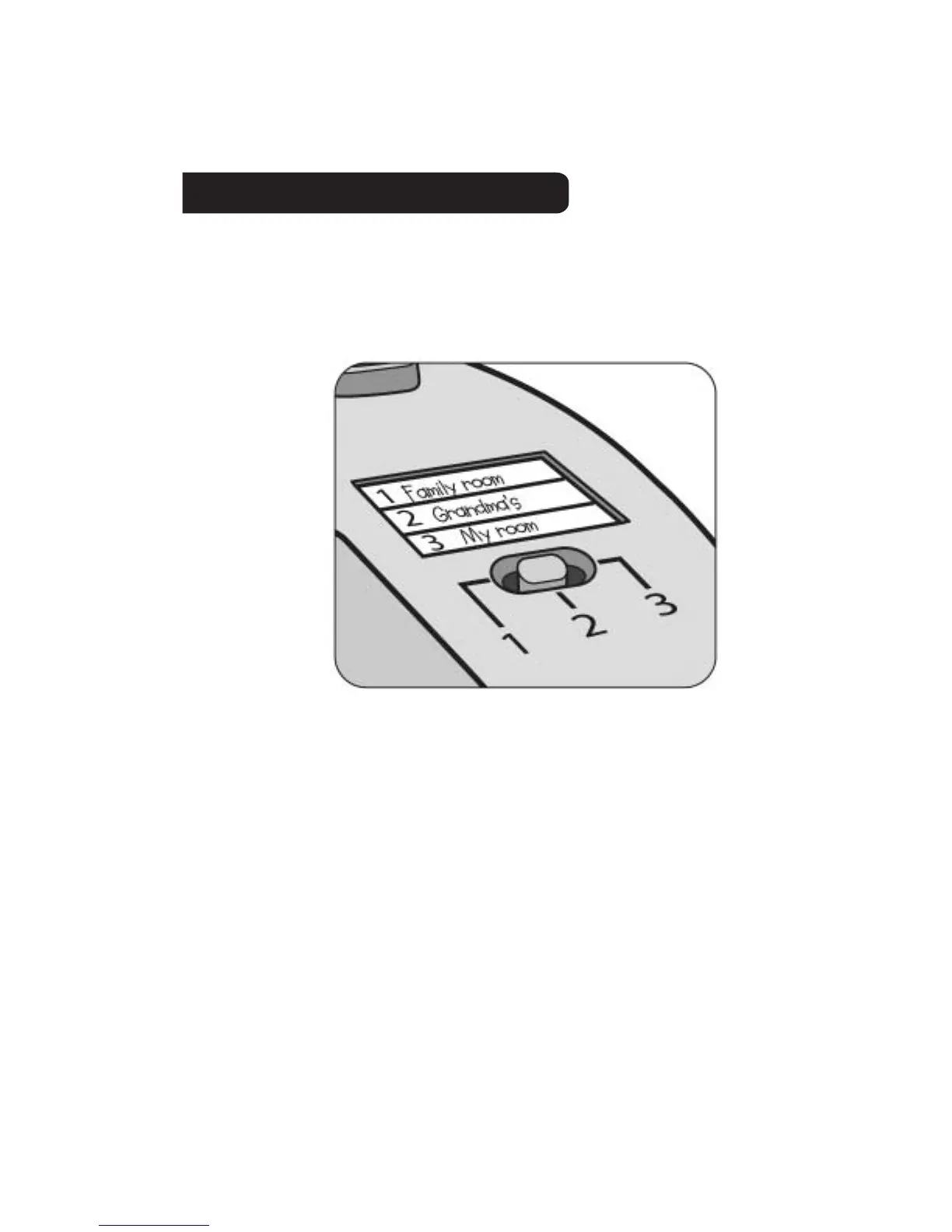
Your InteracTV unit can be set-up to be played with
3 different DVD players. There is a 3-position
memory switch and a blank label located on the back
of the unit to indicate which DVD player you want to
program.
Before programming the unit slide the switch to
position 1, 2, or 3.
Don’t forget to mark the label for easy reference.
Remember - you must perform the following steps for
each DVD player you wish to use with the controller.
Now you are ready to program the controller.
There are 2 methods that can be used to set-up the
controller for each DVD player.
Begin with method 1.
SETTING UP THE CONTROLLER
3




 To Next Page