METHOD 2 - PROGRAMMING THE UNIT USING
MANUAL SEARCH
Step 1 – PREPARING YOUR CONTROLLER
• Remember to slide the 3-position memory switch
to the desired memory slot.
• Remove the InteracTV disc from your DVD player
and turn the power OFF.
Step 2 – PROGRAMMINGYOUR CONTROLLER
• Insert the blue PROGRAMMINGCARD into your InteracTV
controller. When the card is properly inserted, the light on
the bottom of your controller will blink twice.
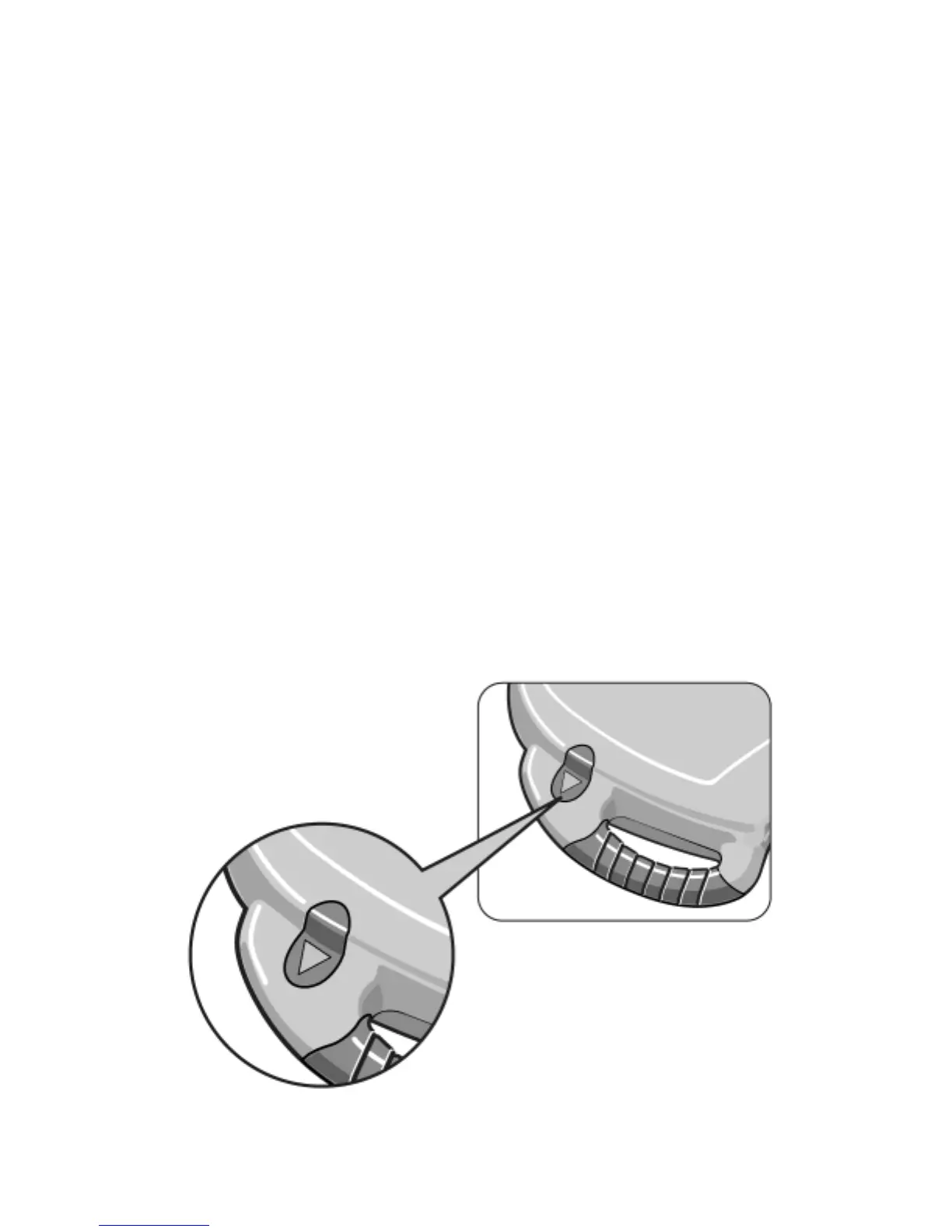
• Point the unit directly at the DVD player and press
the backwards arrow button slowly.
• As you press the button, your InteracTVunit will search
through all its codes to find a proper code for your DVD
player.
• Each time you press the backwards arrow button the
light will flash. Keep pressing the backwards arrow button
until the power to your DVD player automaticallygoes ON,
indicating that a proper code has
been found.
NOTE: THIS STEP MAY TAKE
SEVERAL MINUTES -
PLEASE BE PATIENT.
7






 To Next Page