Step 2 – PROGRAMMING YOUR CONTROLLER
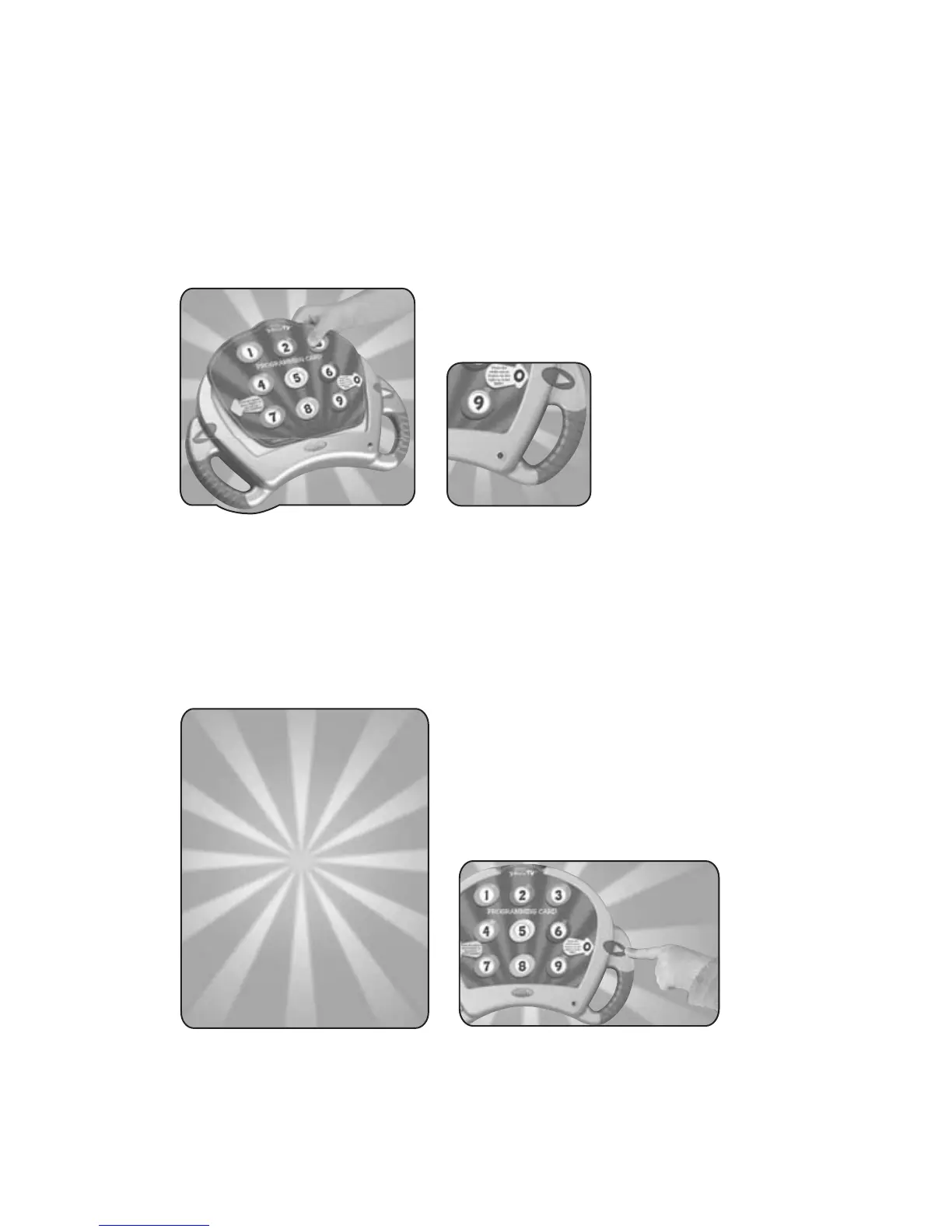
• Insert the blue PROGRAMMINGCARD into the InteracTV
controller. When the card is properly inserted, the green light
on the bottom right of your controller will blink twice.
• Refer to the list of MANUFACTURER’S CODES listed in the
enclosed USER’S MANUAL and find the correct code
number(s) for your DVD player.
• Point the controller directly at your DVD player and enter the first
code number using the number keys. Use the forward arrow
button to enter zero.
• After entering a 4-digit code, the light on your controller will
blink one long blink.
LED light
5







 To Next Page