23FläktGroup DC_9355GB 20180119_R0 We reserve the right to make changes without prior notice
Air handling unit
Monday
Day schedule
Time 1
Value 1
Time 2
Value 2
Time 3
Value 3
Value 4
Time 5
Time 4
Value
ff
Time 6
Passive
00:00
Off
08:00
Comf St2
12:00
Comf St1
Comf St2
18:00
14:00
* :*
Value
ff
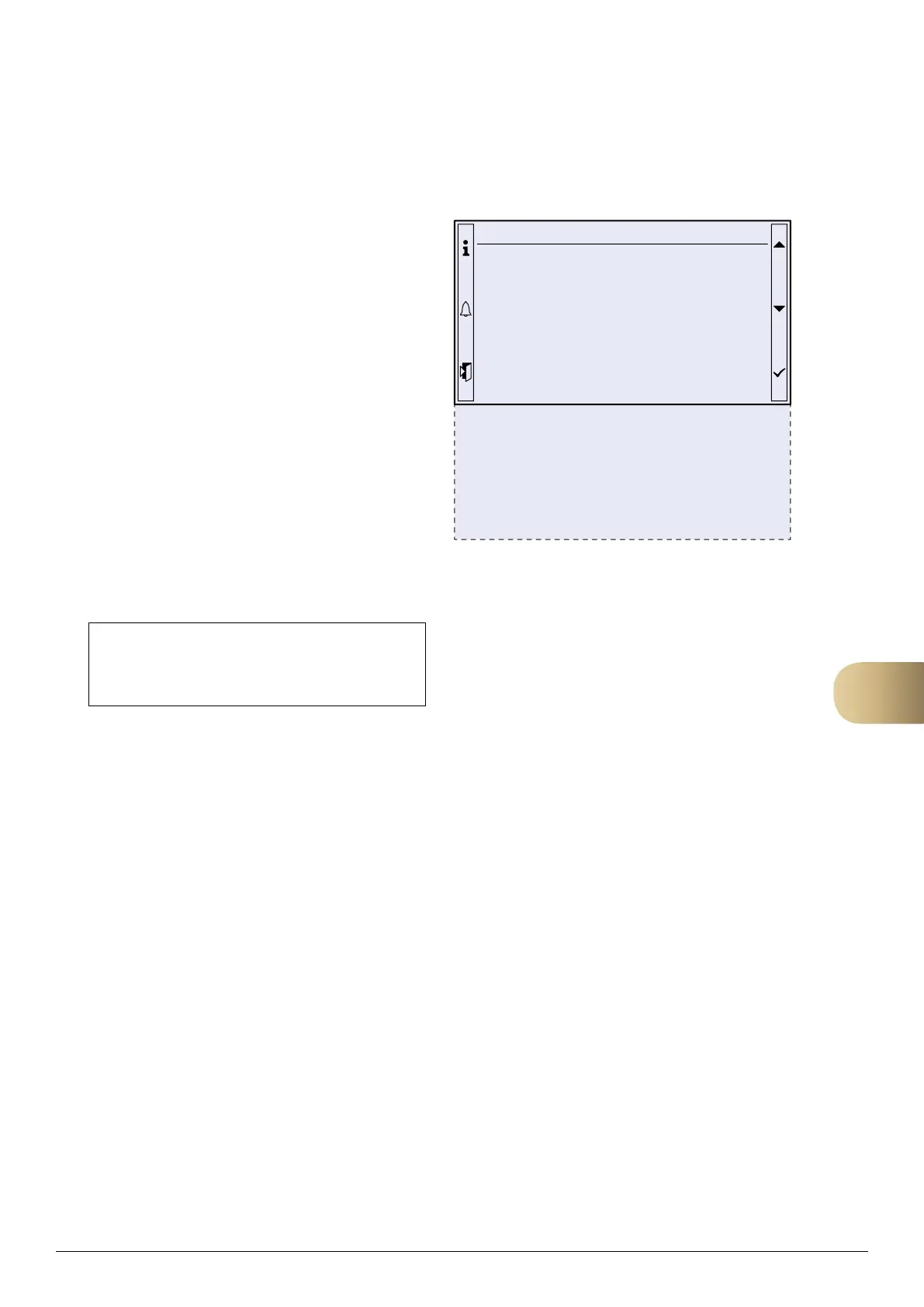
Example
Assume that you want to set the control unit so
that the unit starts at 08:00 on Mondays for comfort
operation with fan setpoint 2 and then resumes
comfort operation with fan setpoint 1 at 12:00, then
resumes comfort operation with fan setpoint 2 at 14:00
and shuts down at 18:00.
The correct configuration for this specification is
shown to the right.
Please note: If you do not want the unit to start at
midnight, Value 1 must be set to Off. Time 1 is locked
until 00:00.
Calendar exceptions
In addition to the weekly plan, you can set dates,
intervals and days of the week during the year in which
you want to employ other operating modes or stop the
unit. This is done by means of Calendar exception and
Calendar fix off. For operation via calendar exceptions,
use the following operating mode:
MAIN INDEX
Ú
UNIT
Ú
OPERATING MODE
Ú
TIME SWITCH PROGRAM
Ú
SCHEDULE
Ú
EXCEPTION
9



 To Next Page