18 www.ama.pt
ANOMALIES AND REPAIR
In case of malfuncon, please take the
appliance to an authorized Technical
Assistance Service. Do not aempt to
disassemble or repair the appliance, as this
may be dangerous.
PROTECTING THE ENVIRONMENT
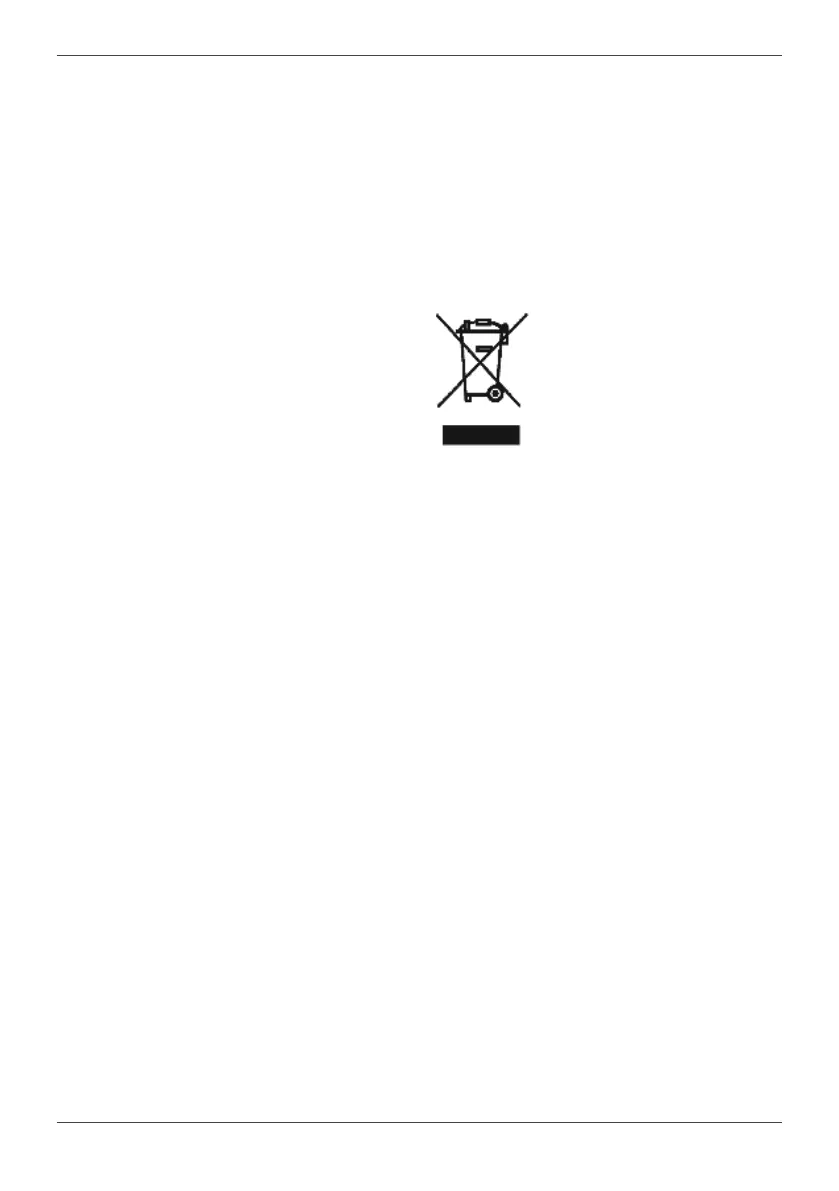
This symbol indicates the
separate collecon of electrical
and electronic equipment.
The main objecve of the
separate collecon of this
waste is to reduce the quanty
to be disposed of, promote re-
use, recycling and other forms of recovery
in order to reduce its negave eects on
the environment.
When it is no longer in use, this appliance
must not be disposed of together with
other unsorted municipal waste.
The user is responsible for delivering it
free of charge to the selecve collecon
facilies available for that purpose.
Pieces of equipment that are no longer in
use can also be taken back at points of sale,
by purchasing new pieces of equipment
that are equivalent and have the same
funcons.
For more detailed informaon on collecon
points, please contact your City Council or a
point of sale for this equipment.
MAINTENANCE AND CLEANING
Before cleaning, rst disconnect the power
cable plug from the socket and allow the
appliance to cool.
Clean the residues and any other deposits
from the base with a damp cloth or a non-
abrasive cleaning product (liquid).
NOTE: Do not use chemical, steel, wood or
abrasive cleaning products to scrape the
base.
Clean the upper part of the appliance with
a so damp cloth. Clean any water drops on
the base of the unit and thermal insulaon
xture with a dry cloth.
Clean the inside of the appliance as
specied in the “Indicator buon” secon.
NOTES:
If the cleaning indicator connues ashing
and the appliance does not carry out
cleaning aer the “Clean” funcon has
been acvated, check and make sure that
the temperature selector is in the “MAX”
posion. And the appliance will connue
to carry out the cleaning when the
temperature buon is turned to the “MAX”
seng.
When not using the appliance for a long
period of me, empty the water from the
tank, turn the temperature buon to the
minimum and secure the steam supply
hose and the power cable with the cable
clip; then store the appliance somewhere
out of the reach of children.


 To Next Page