Page 10 of 24
Powering Up the M1
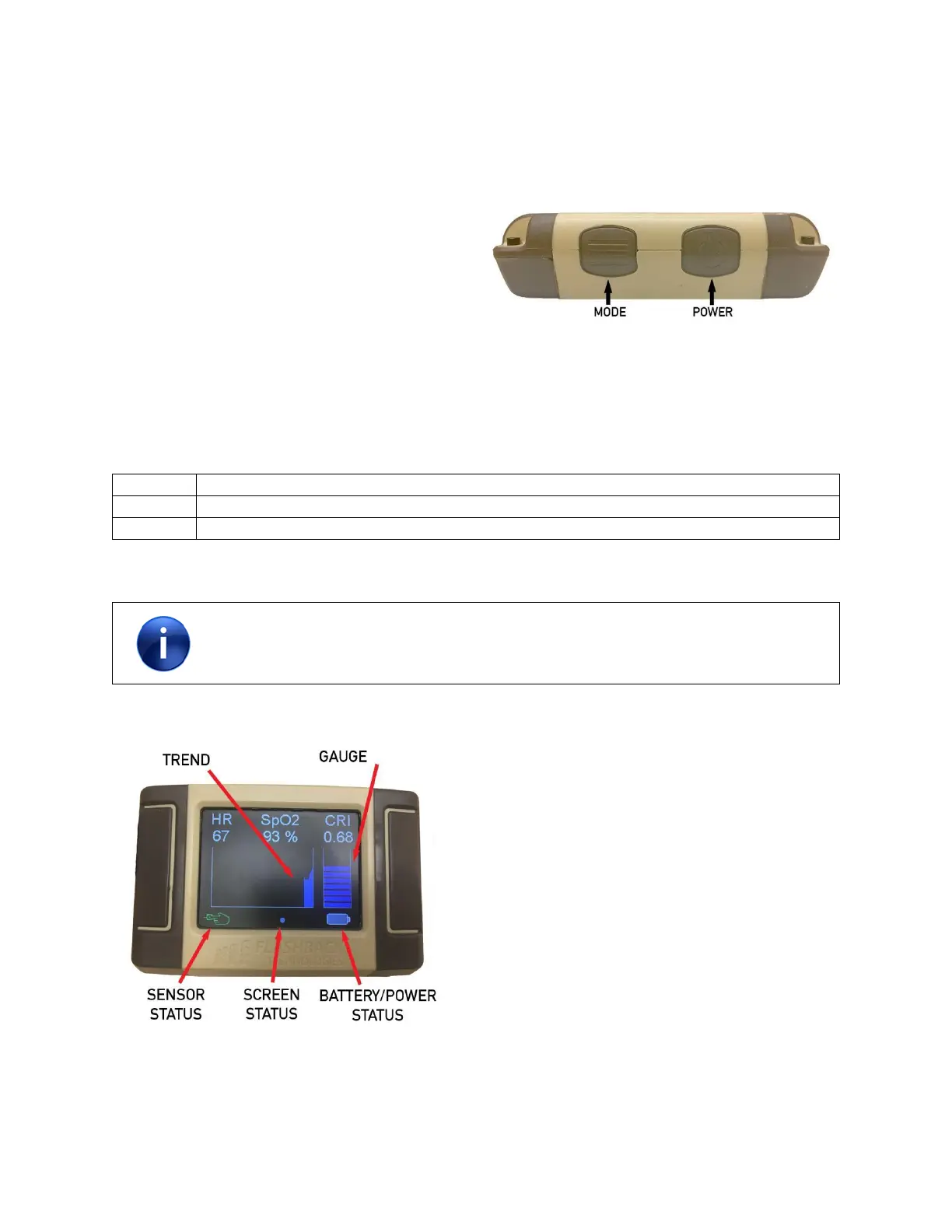
On the top of the device, hold down the power button for approximately 1 second and release. The power
button is located on the top right of the device and is labeled with a “power” symbol (see Figure 4).
The readings for SpO
2
and HR will appear before CRI
and are usually available within 2 to 4 seconds of
sensor placement. The CRI reading is usually
available within 5 to 20 seconds of sensor
placement.
Figure 4 - Power on the M1
Guide to Software Symbols and Parameters
Parameters
No signal information will be available on the M1 until the sensor is connected to the
unit and the sensor is applied to a fingertip. Dashes are displayed when no signal is
available.



 To Next Page