INSTALLATION GUIDE
5
Before You Start
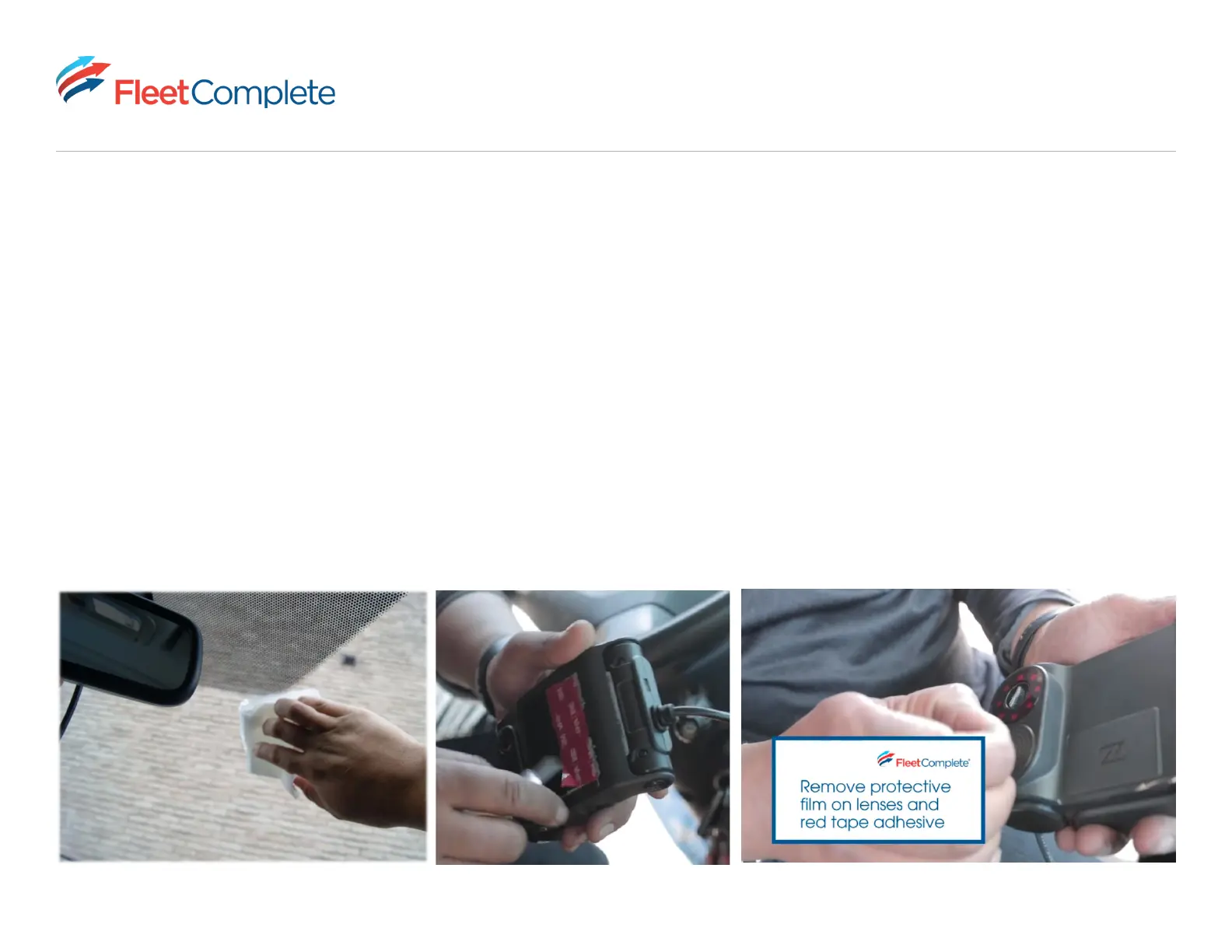
• Before mounting your Vision 2.0 Camera, ensure that you have wiped the windshield area with a dry cloth. If you
notice dirt or particles stuck to your windshield, wipe the windshield area clean with a damp cloth and then wipe it
again with a dry cloth. A dry and clean windshield surface area ensures a secure mount via the adhesive mount strips
located underneath your mount arm.
• Peel the red tape from your adhesive mount strips ONLY when you are ready to mount your camera. DO NOT leave
the adhesive open to debris once the red tape is peeled o (this could create a bubble eect in your adhesive mount
and lessen the duration of a long-term mount).
• Remove the plastic cover from the cabin view and road facing lens.



 To Next Page