INSTALLATION GUIDE
7
Mounting your Vision 2.0 Camera
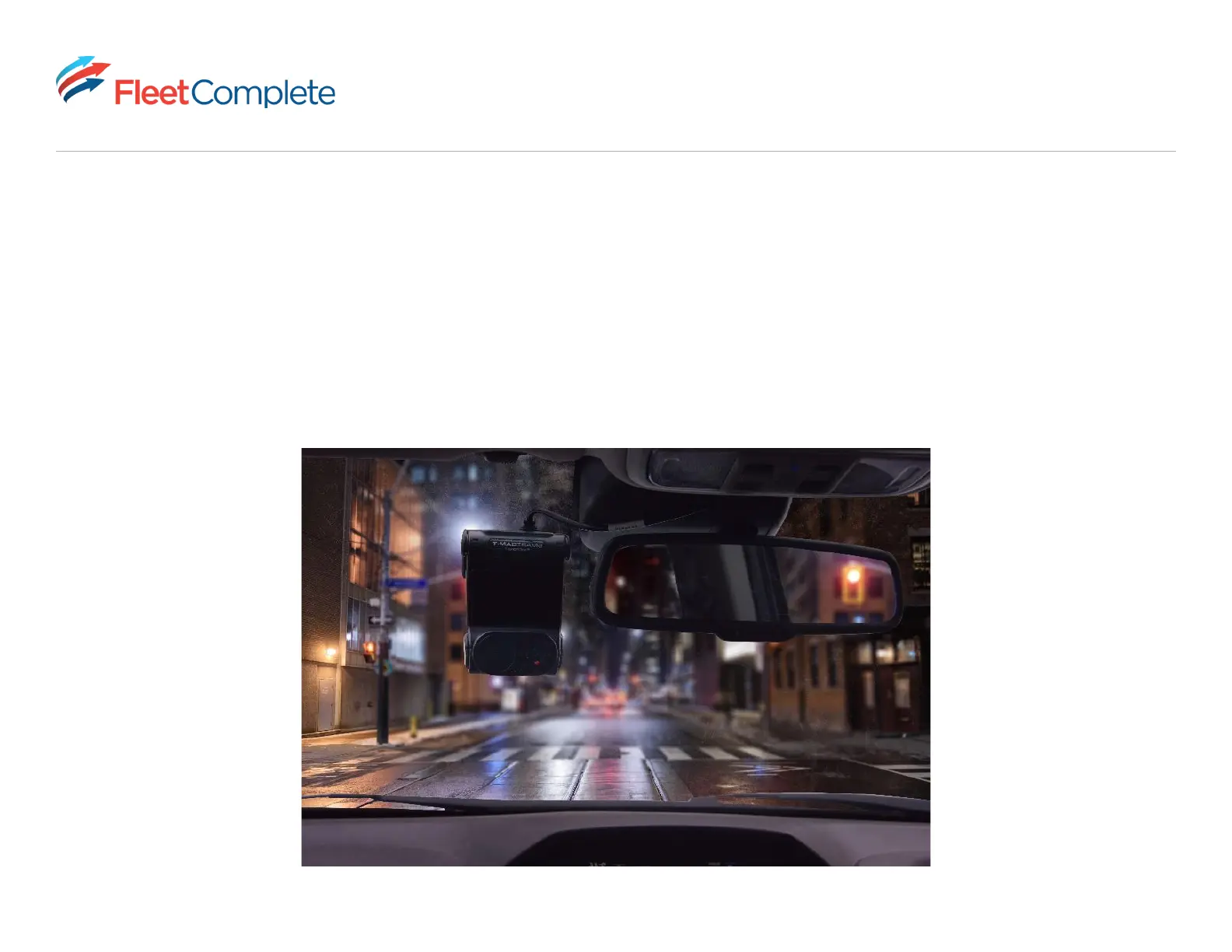
For optimal performance and visibility inside and outside the cabin, mount your Vision 2.0 Camera on the driver’s side
beside the rear-view mirror and ensure the cabin view lens is below the rear-view mirror.
• Ensure Vision 2.0 Camera is not obstructing your view of the road.
• Make sure the driver camera and road camera are not obstructed by objects hanging from your rear-view mirror



 To Next Page