INSTALLATION GUIDE
9
Installation
• Once your camera is securely mounted to your windshield, connect your OBD Y cable labeled Dashcam to your Vision
2.0 Camera OBD and your OBD Y labeled Fleet Tracker to the vehicle OBD port.
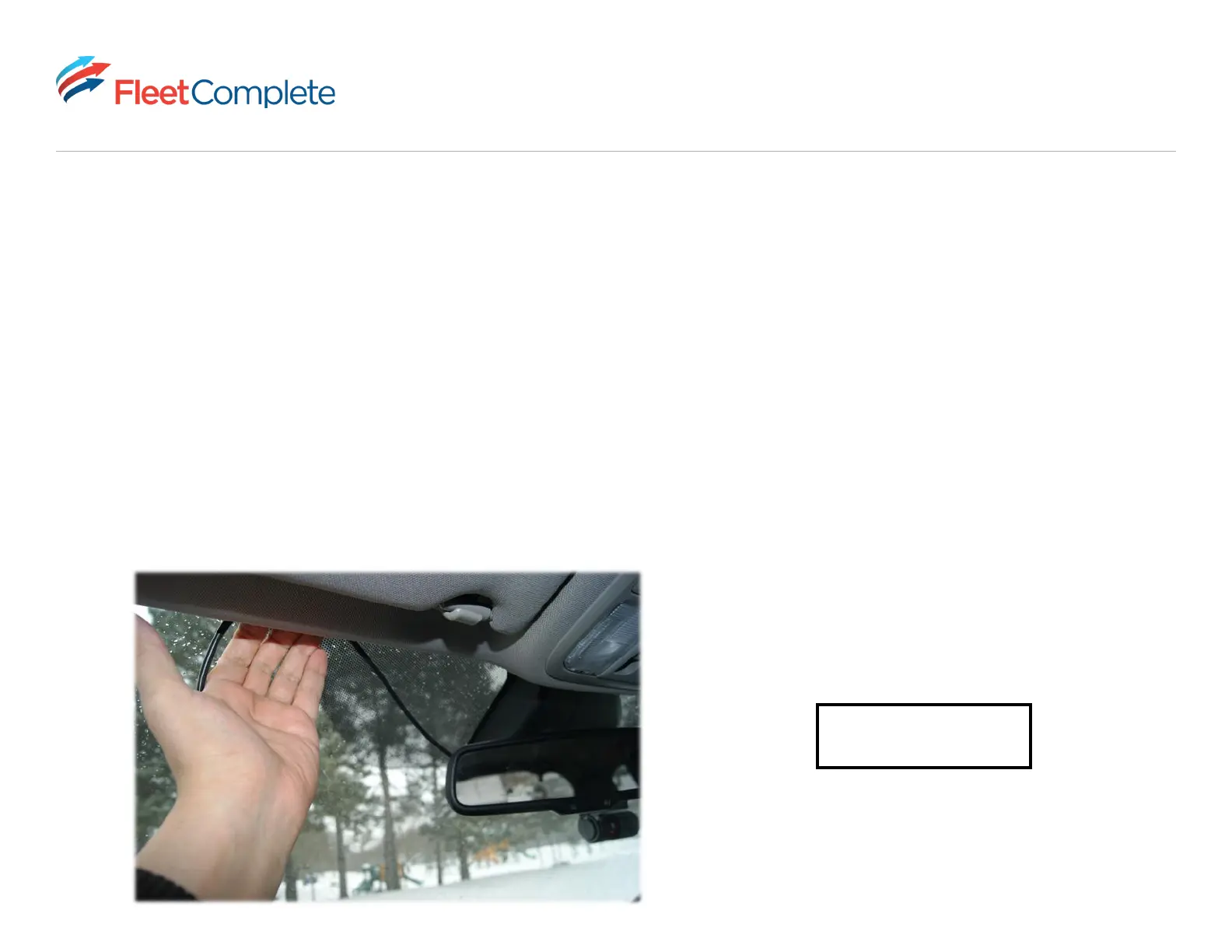
• Ensure the cable coming from the camera is fastened around the frame of your windshield and is not obstructing your
view of the road.
• OBD installs require that your engine is turned on once the device is connected to give power to the camera.
• Give the camera 3 minutes to power on once it is plugged into your OBD port and before beginning your first trip.
VISION SETUP
Still have questions? Access the Vision setup page



 To Next Page