3.0 Operation
3.1 Power On
1. Plug the unit into AC Power.
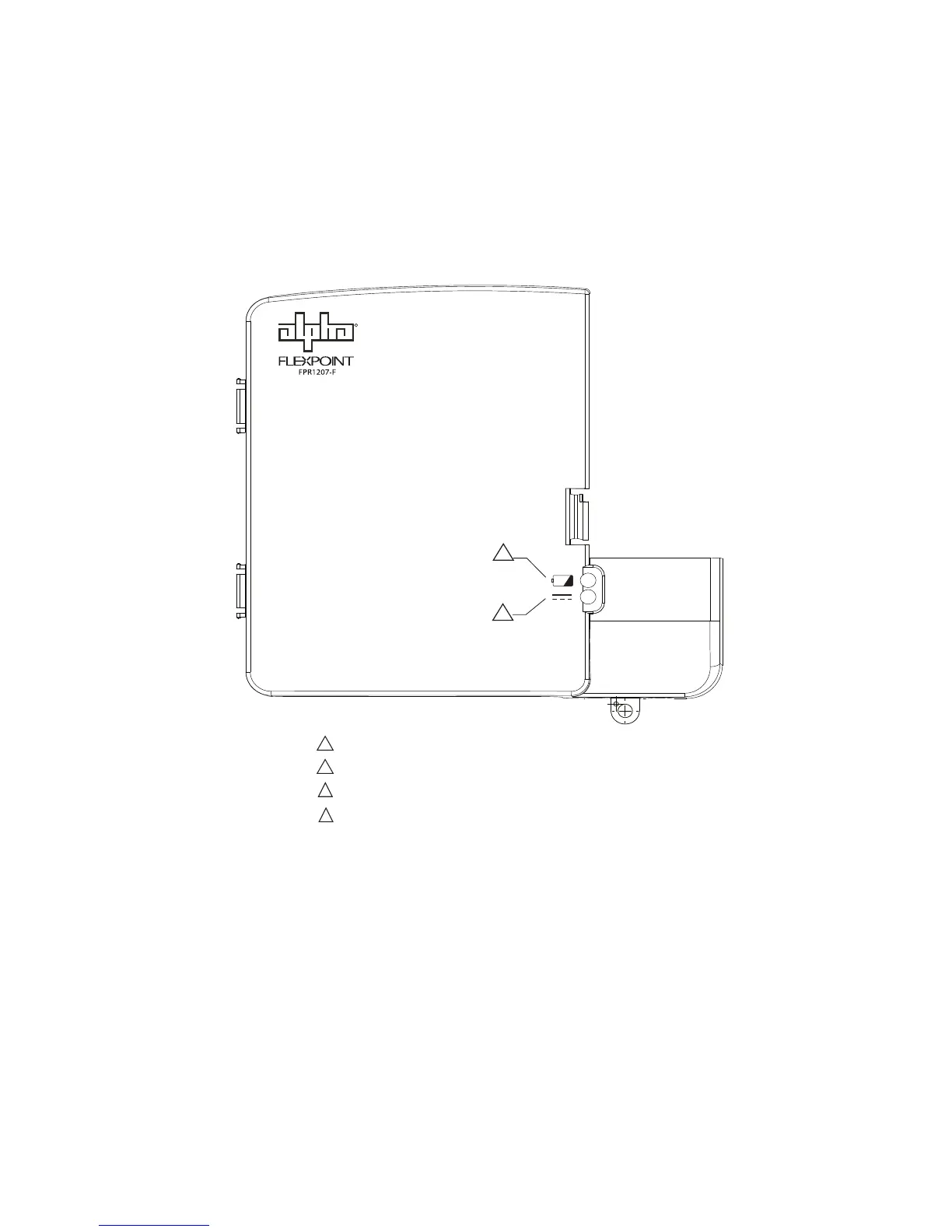
2. The green LED (2) should light. Additional LEDs on the front panel of the FPR1207-F
indicate the state of the system. Their functions are:
3. Verify the unit is functioning properly by unplugging it. After approximately 10
seconds the alarm should briey sound.
4. Re-plug the unit into an AC power outlet. The battery status LED (1) will go out.
The unit is ready to be placed into service.
Fig. 3-1, Visual Status Indicators
R
Remove cover to access
silence alarm and battery
emergency use buttons.
1
Red LED: Replace battery
Red LED ashing: Battery missing / Low battery
Green LED: AC mode
Green LED ashing: Battery mode
2
1
2
1
2
13
010-344-B1-001 Rev. A (2/2014)


 To Next Page