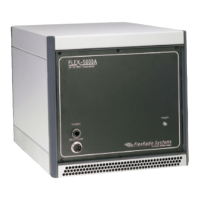
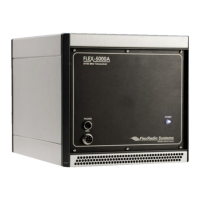
FLEX-6400/FLEX-6600 Hardware Reference Manual
Page 17 of 45
Copyright 2018 FlexRadio Systems. All Rights Reserved.
6 FRONT PANEL CONTROLS AND CONNECTIONS
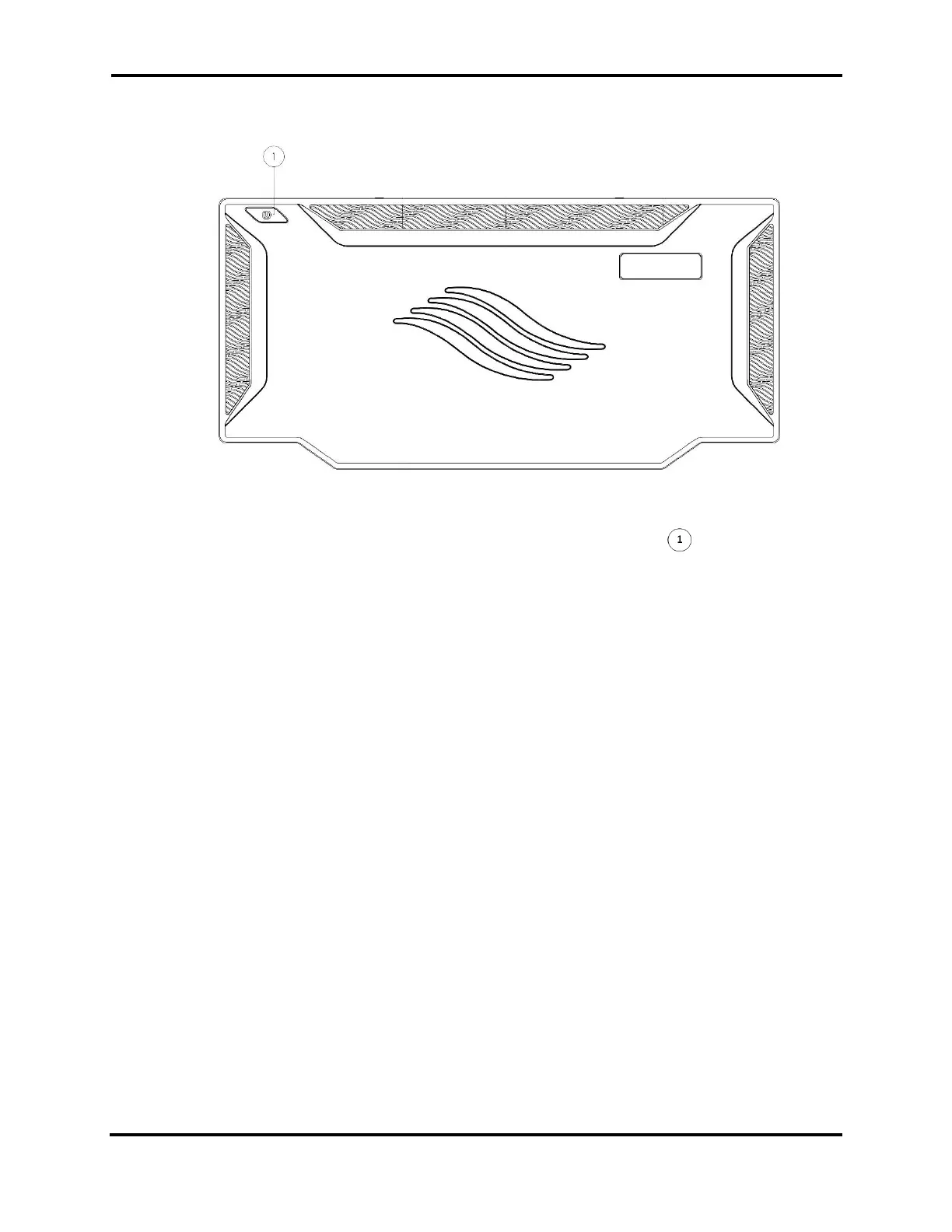
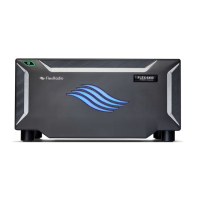
The front panel of the 6400/6600 contains only the Power button and the radio’s
backlights. The Power button is used to turn the radio on and off and is illuminated with
a number of colors to indicate the radio’s operational state:
• FLASHING GREEN: Radio is starting or shutting down
• SOLID GREEN: Radio is in receive mode
• FLASHING RED: See Error Conditions below
• SOLID BRIGHT RED: Transmitting on PA
• SOLID DIM RED: Transmit engaged, but transmit interlocks are not ready. Refer to
the SmartSDR documentation for description of the transmit interlocks.
• SOLID ORANGE: Transmitting on XVTR port with low power
• SOLID PURPLE: Radio is performing a software update
• FLASHING WHITE: Radio is performing a reset to factory defaults
• OFF: Radio is off
When the optional GPS Disciplined Oscillator is installed:
• SOLID AMBER: Radio is off, GPSDO is powered for stability
• FLASHING YELLOW: GPSDO is warming up
• SOLID YELLOW: GPSDO is “holdover” mode (has lost satellites)
• SHORT FLASH BLUE: GPSDO is locking
• LONG FLASH BLUE: GPSDO is in “hold phase” mode
• SOLID BLUE: GPSDO is locked


 To Next Page