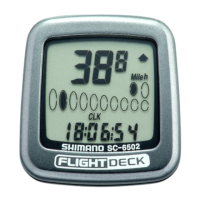
(
4
)
Trip distance group
(
TIM, DST, MAX, AVE
)
(
5
)
ODO meter
(
ODO
)
0- 99999.9
km, mile
(
6
)
Stopwatch
(
STW
)
group
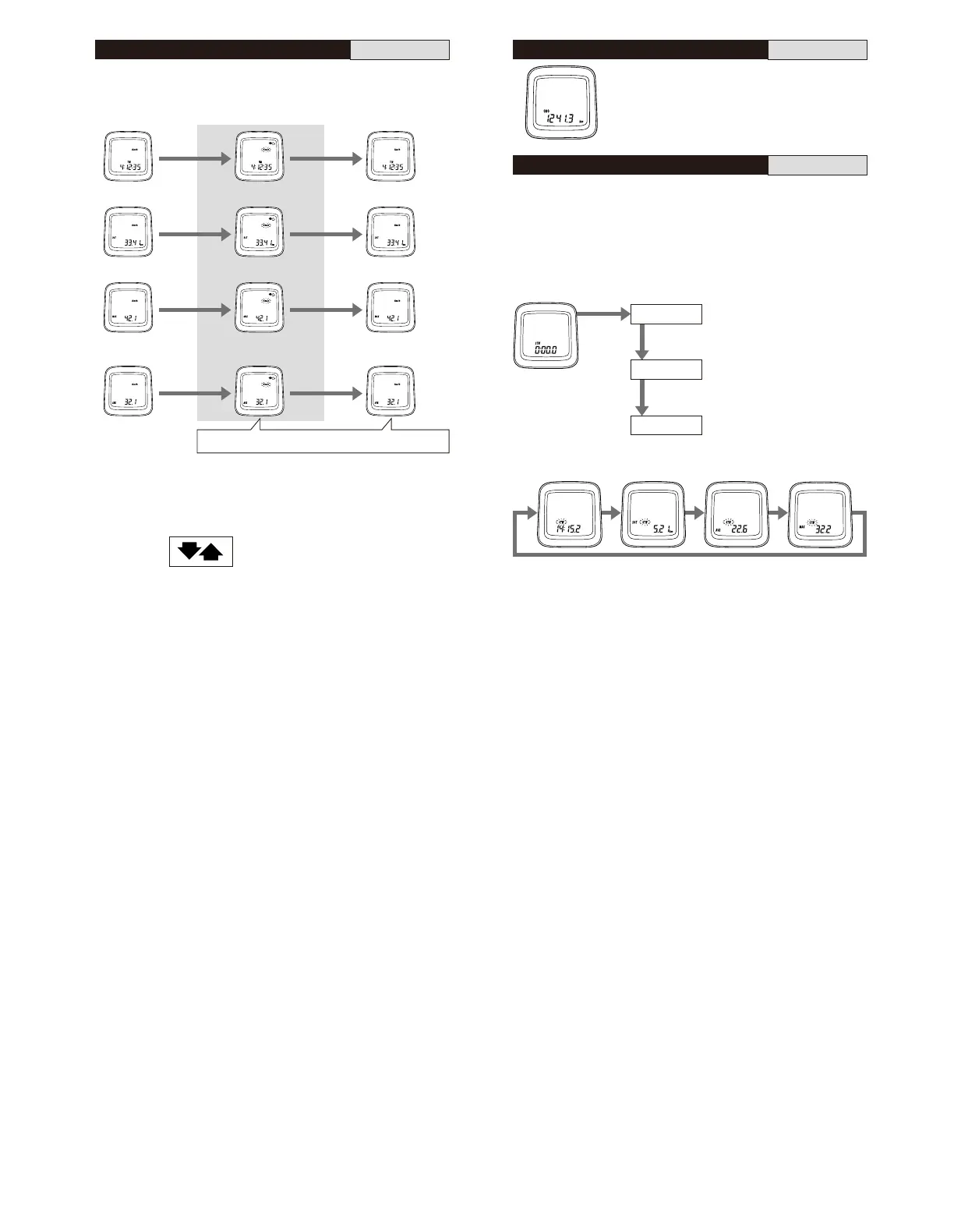
This group includes stopwatch trip distance average speed and maximum speed.
The stopwatch is activated by pressing ST/SP button. While the stopwatch
group is operating the stopwatch (STW) display will flash.
Stopwatch trip distance (DST,STW) records total during STW function.
Stopwatch average speed (AVE,STW) records the average speed during STW
function.
Maximum speed (MAX,STW) records the Maximum speed during the stopwatch
function.
Displays the cumulative distance
travelled.
Note;
The functions of this group are
only available when
stopwatch is activated.
If the trip distance mode is
also activated simultaneously,
it is not possible to view at the
distance. However the trip
distance, average speed and
maximum speed will still be
recorded during this time.
The trip distance group includes the trip time (TIM), trip distance (DST), maximum
speed during the trip (MAX) and the average speed during the trip (AVE). To activate
the trip distance group, press the Mode button until “TIM” is displayed, and then
press the ST/SP button.
< Reset to zero > Press the ST/SP button and the Mode button
simultaneously while this group is active.
Average speed (AVE)
0.0 (2.0) -130.0km/h
0.0 (1.2) -80mph.
Trip time (TIM)
0 -99:59:59 (h ;min ; sec)
Trip distance (DST)
0 -999.99 (km, mile)
Maximum speed (MAX)
0.0 (2.0) -130.0km/h
TIM group (automatic stop
and start) start is activated
TIM group is deactivated
km/mile flashes
Note;
•
To calculate the average speed, You must
travel for more than 10 seconds or more.
•
If the trip time exceeds 100hours or the trip
distance exceeds 1,000kilometers (620miles),
“ER” will be displayed and the pace arrow
comparison will disappear. However, TIM
and DST measurements will start again from
zero and the MAX speed will be retained.
Pace Arrow
Moves when distance time is
operating.
The upward arrow indicates that
the current speed is faster and
the downward arrow indicates
that the current speed is slower
than the
average speed
for the trip.
ST/SP button
Stop
Reset to zero
ST/SP button
ST/SP
button
Press ST/SP button
and Mode button
simultaneously
Mode button
(STW) Group mode
is displayed
Start
< Starting and stopping >
Stopwatch
(STW)
0.0 -90:00 (min,sec)
Stopwatch trip
distance (DST,STW)
km mile
Stopwatch average
speed (AVE,STW)
km/h mile/h
Stopwatch maximum
speed (MAX, STW)
km/h mile/h
switch “B”
ST/SP button


 To Next Page
 Loading...