EasyManua.ls Logo

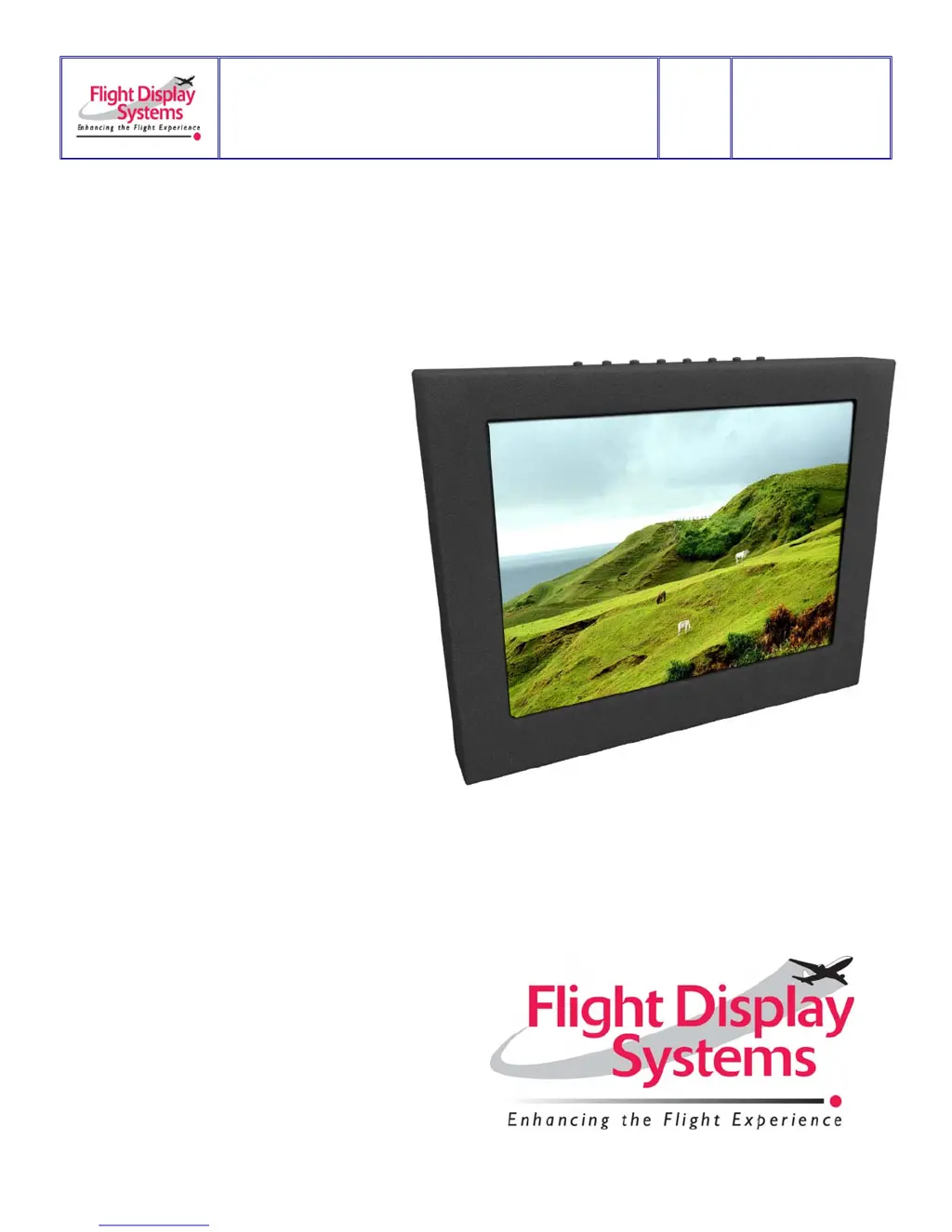
Flight Display Systems FD104CV - User Manual

Default Icon
16 pages
Print Icon
To Next Page IconTo Next Page
Loading...
Document Number:
MAN FD104CV
Rev:
E
Revision Date:
01/27/2011
Page 1 of 16
FD104CV
Installation and Operation Manual
10.4” LCD
TECHNICAL SUPPORT
678-867-6717, or
www.FlightDisplay.com

Questions and Answers

  • J
    jonesparkerAug 2, 2025
    What to do if my Flight Display Systems FD104CV Monitor has no power or video input?
    • H
      hollylongAug 2, 2025
      First, verify correct wiring and check the base receptacle connectors for possibly damaged pins. Also, ensure that the video source is powered on, in Play mode, and displaying video.
  • C
    Cathy MartinezAug 6, 2025
    How to fix an inoperable remote control for Flight Display Systems Monitor?
    • T
      Tammy RomeroAug 7, 2025
      Check that the infrared eye on the LCD screen is visible. If it's visible, replace the battery in the remote control.
  • A
    Amanda SummersAug 12, 2025
    How to resolve color distortion on a Flight Display Systems FD104CV?
    • P
      Pamela CarterAug 12, 2025
      Adjust the brightness and contrast settings using the buttons on the monitor.
  • A
    Andrew ShepherdAug 17, 2025
    What causes snow or sweeping lines on a Flight Display Systems Monitor?
    • J
      Jessica RamseyAug 17, 2025
      Snow or sweeping lines can be caused by AC noise generated by a power cart on the aircraft. Remove the power cart from the aircraft to resolve this. Another cause may be an incorrect ground in the aircraft, so try moving the ground to another location.
  • V
    Valerie GarciaAug 21, 2025
    How to eliminate video noise on a Flight Display Systems FD104CV Monitor?
    • K
      Kristi GriffithAug 21, 2025
      Check for an incorrect ground in the installation wiring.
  • R
    ricemarkAug 27, 2025
    Why is there VGA shadowing on my Flight Display Systems FD104CV Monitor?
    • T
      Tiffany RiveraAug 27, 2025
      VGA shadowing can occur due to shielding on the wire. Locate the point where all of the shields are connected. Cut away the shields, one at a time, while viewing the display on the screen to observe which shield is causing the noise. Cutting away one shield at a time will allow you to focus and isolate the video noise issue. Also, twisted pair wiring is prone to video noise, so ECS VGA Wire is recommended.

Summary

Specifications

Installation Instructions

Power

Details the 28V DC power requirement of 1.0 Amp for the monitor.

Wiring Instructions

VGA Wiring

Details recommended cable and wiring diagram for VGA input.

Power and Ground Wiring

Explains power requirements and wire gauge selection for proper ground wiring.

Power;Video

Lists the pinout for the P1 High Density DB-15 Receptacle for power and video signals.

Operations Instructions

Troubleshooting

Technical Support

Warranty Information

Flight Display Systems FD104CV Specifications

General IconGeneral
Display TypeLCD
Screen Size10.4 inches
Aspect Ratio4:3
Contrast Ratio500:1
Brightness350 cd/m²
Operating Temperature-20°C to 70°C
Storage Temperature-30°C to 80°C
Video InputsComposite, VGA
Resolution800 x 600 (SVGA)