9 / ENGLISH ENGLISH / 10
• A smartphone or other device running Apple iOS 11+.
8. Prerequisites
10. First Time Use
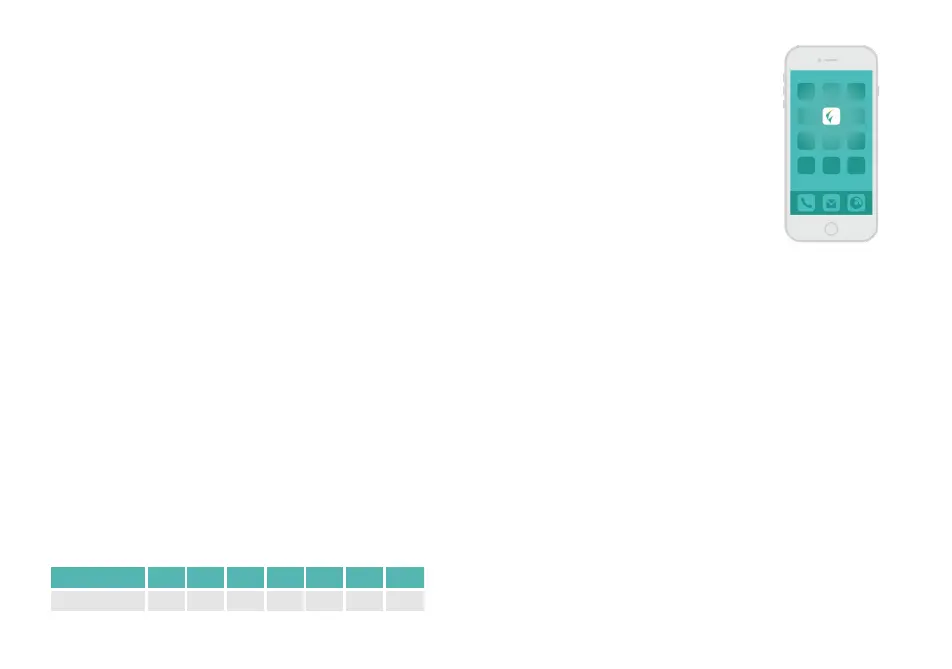
• Download the “Flow - Depression”
app to your smartphone.
• Create an account in the
downloaded “Flow - Depression”
app using an email address you
have access to and a new password
of your choosing.
9. The Treatment Program
• The Flow treatment program consists of 18 sessions over
6 weeks, as shown in the table below.
• After this main treatment period, 1–2 sessions/week
could be done as follow-up sessions.
• You can only do 1 session per day.
• Each session lasts about 30 minutes, plus a few minutes
of preparation time.
WEEK W1 W2 W3 W4 W5 W6 W7+
No. of sessions 5 5 2 2 2 2 1.2
• Discontinue treatment if the sensation of tingling,
itching or burning under electrodes becomes severe (mild
sensation of tingling, itching or burning is normal).
• Discontinue treatment if you experience a mild
headache, that does not pass within an hour after the end
of a session.
• Discontinue treatment if you experience tinnitus (noise
or ringing in the ears) during or after using the device.
• Discontinue treatment in case of any other adverse
reaction from the device.
• Ensure your forehead is free from any makeup or hair
products.
• If you have a fringe it is recommended you use a hair tie
to remove it from your forehead.
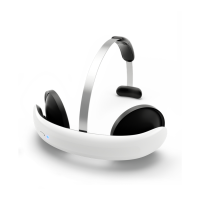
• Take out the headset from the box.
• Press the button on the headset and make sure it blinks
twice. If not, charge the headset.
• Make sure Bluetooth is enabled on your smartphone.
• Start the Flow app and log in with
the email address & password you choose in 10 above.
• Select the next session in the app and press Start to start
the session. Note that how often you can use the headset
is restricted per week and day.
• Follow the instructions given by the virtual therapist in
the App.
11. How to Perform a Treatment Session


 To Next Page