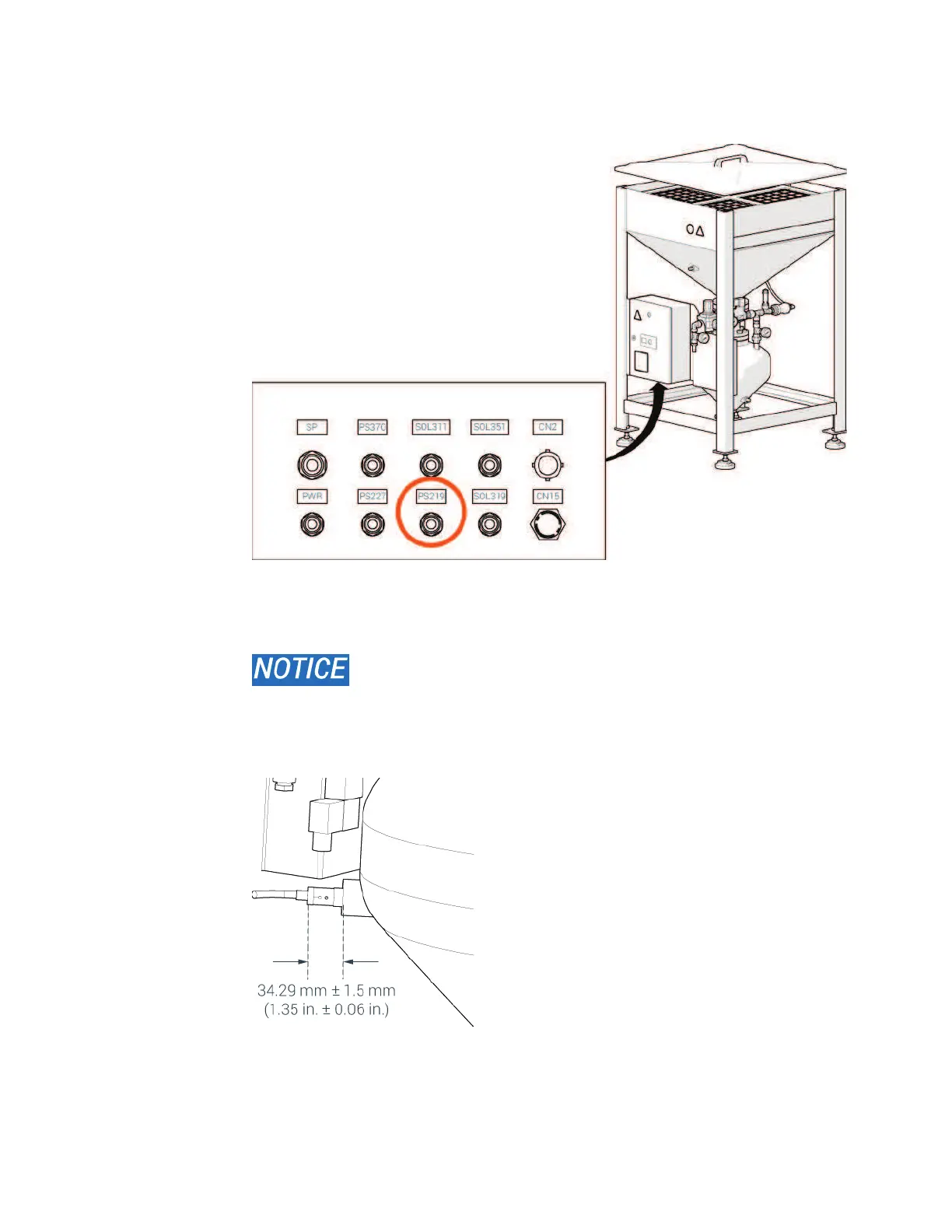
4. Pull the cables out of the PS219 port.
5. Loosen the locknut, and then remove the low abrasive switch.
6. Remove the abrasive from the vessel threads.
Failure to remove all abrasive from the threads damages the
threads of the vessel and the switch.
7. Install the new switch. Turn the switch for easy access to the adjustment screw.
Tighten the locknut to hold the switch in position.
© 2016–2017 Flow International Corporation



 To Next Page