5
Operation
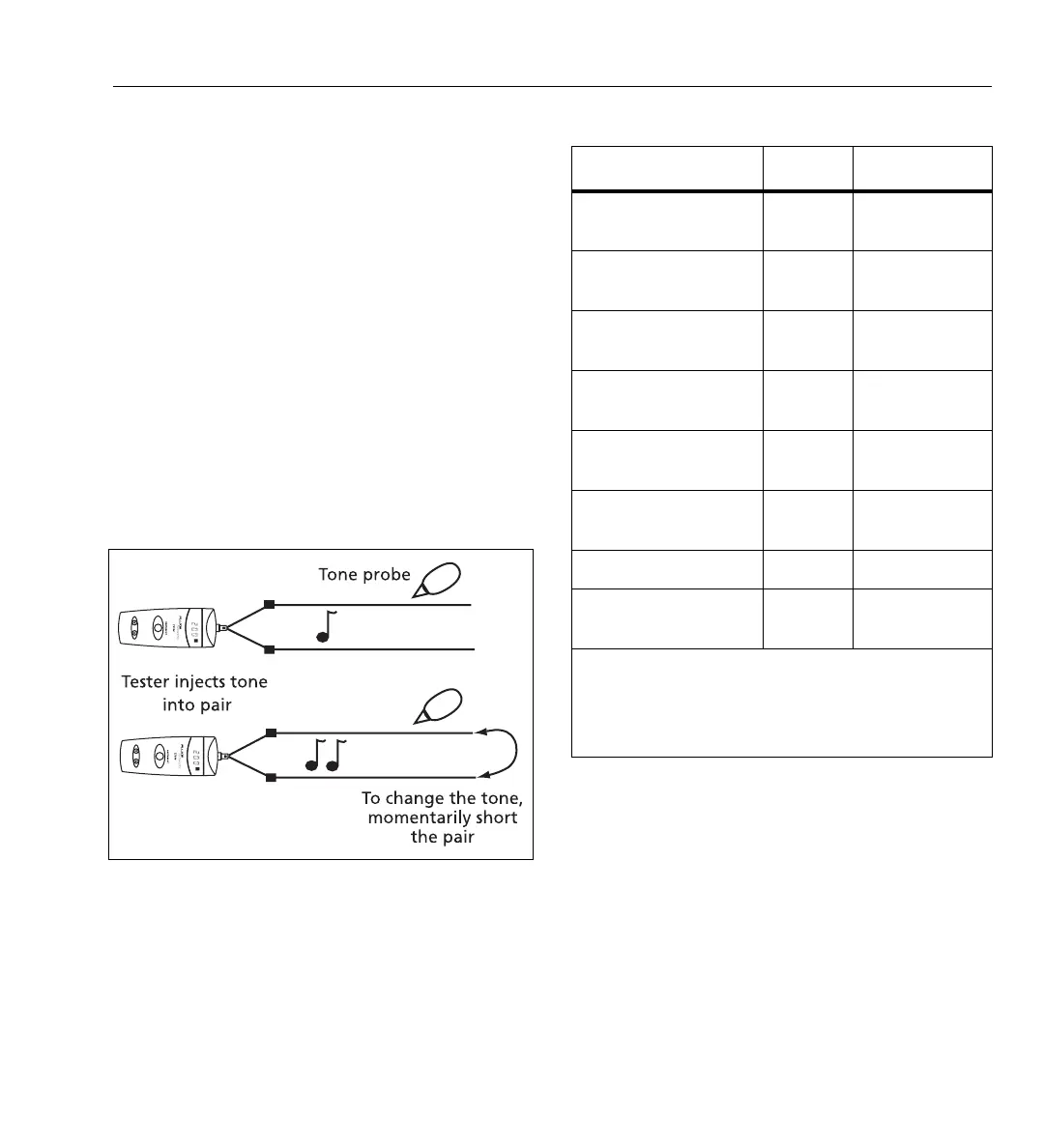
To use the PowerTone System:
1
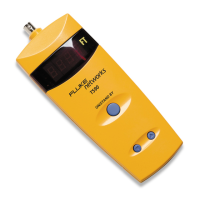
Connect the tester to a wire pair; then turn on the
tester.
2
At the other end of the cable, use your tone probe
to find the wire pair by probing for the pair with
the loudest tone.
3
Short the wire pair together, then release the
short.
•
If you DO NOT hear a change in the tone,
then you have not found the correct pair.
•
If you DO hear a change, then you have
POSITIVE CONFIRMATION that you have
found the correct pair.
Note
The tone is not audible on the tester’s beeper.
bfz02.eps
Figure 2. PowerTone Positive Identification System
Table 1. LED Display and Beeper Indications
Condition Display
1
Beeper
Normal conditions,
open cable
2
LLLL Off
Normal conditions,
shorted cable
LLLL Continuous On
Cable is too long to
measure
–Err Staggered
A dc load (light bulb,
TV, etc.) is detected
–Err Staggered
>15 Vac is detected 8888
Flashing
Rapid
Low battery, open
cable
L.LLL Off
Failed self test 8888 Off
Cable cannot be
measured
–Err Staggered
1. LLLL = the length to the fault.
2. An open may be a break in a wire or a separation
between the wires in the pair. If one wire in the pair
separates from the other wire for 1 ft (30 cm) or more,
the tester indicates an open at the separation.



 To Next Page