Calibration Adjustment
4.4 Contrast Calibration Adjustment 4
4-7
4.4 Contrast Calibration Adjustment
After entering the calibration mode the display shows:
WarmingUp (CL 0200):IDLE (valid)
Do not press
F3
now! If you did, turn the Analyzer off and on, and enter the
calibration mode again.
Proceed as follows to adjust the maximum display darkness (CL 0100), the default
contrast (CL 0110) , and the maximum display brightness (CL 0120).
1. Press
F1
three times to select maximum darkness calibration Contrast (CL 0100):
2. Press
F3
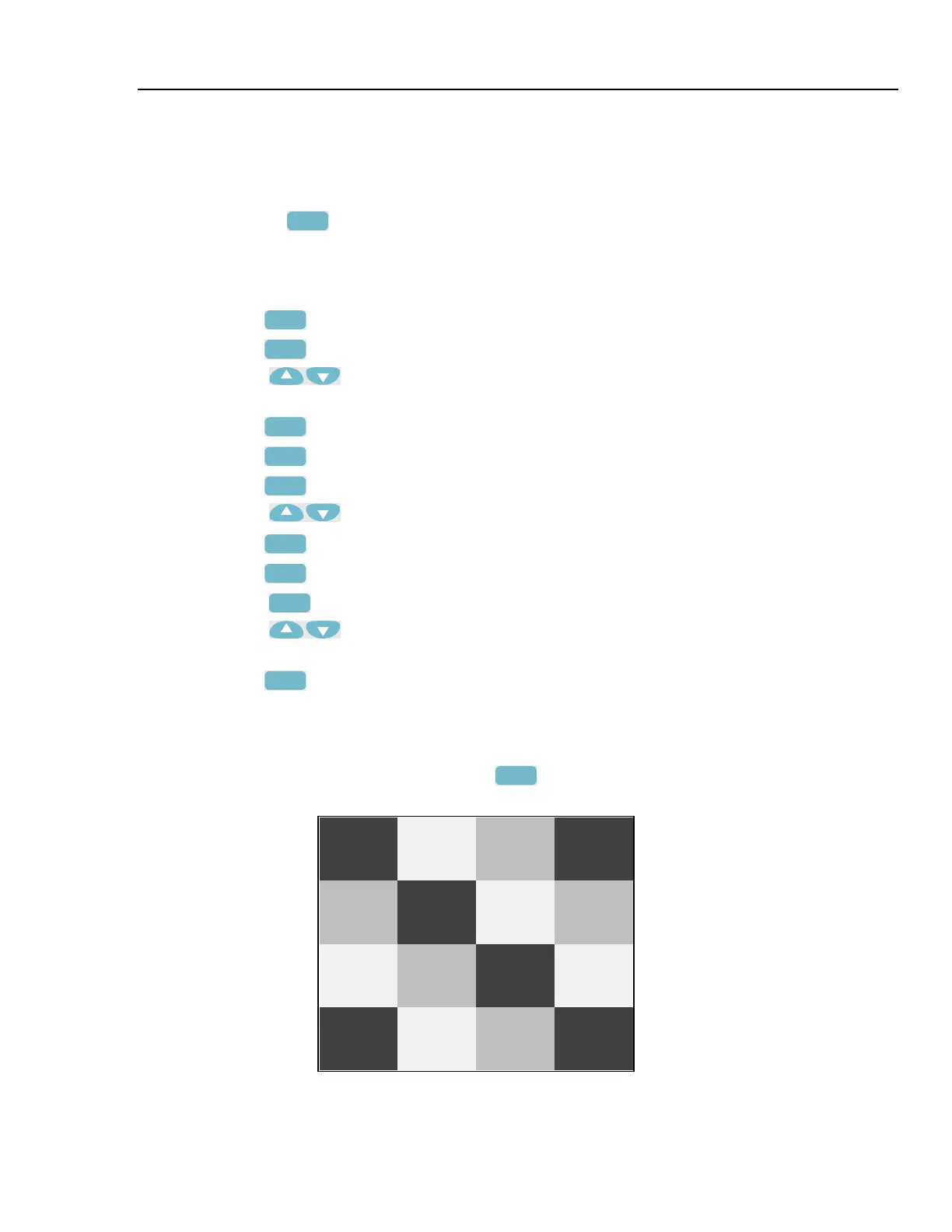
CALIBRATE . The display will show a dark test pattern, see Figure 4-2
3. Using
adjust the display to the maximum darkness at which the test
pattern is only just visible.
4. Press
F2
to return to the soft key menu.
5.
Press
F2
to select default contrast calibration Contrast (CL 0110):
6. Press
F3
CALIBRATE. The display shows the test pattern at default contrast.
7. Using
set the display to optimal (becomes default) contrast.
8. Press
F2
to return to the soft key menu.
9.
Press
F2
to select maximum brightness calibration Contrast (CL 0120):
10. Press
F3
CALIBRATE. The display shows a bright test pattern.
11. Using
adjust the display to the maximum brightness, at which the test
pattern is only just visible.
12. Press
F2
to return to the soft key menu.
13. Now you can either
• Exit, if only the Contrast had to be adjusted. Continue at Section 4.7.
or
• Do the complete calibration. Press
F2
to select the next step (Warming Up),
and continue at Section 4.5.
Figure 4-2. Display Test Pattern



 To Next Page