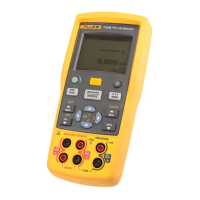
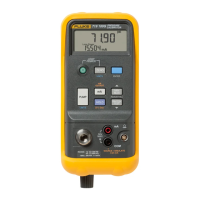
712 English Instruction Sheet
Page
4
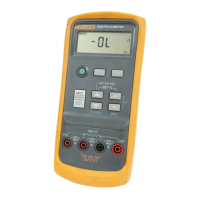
Getting Acquainted with the Calibrator
Press the green O pushbutton to turn the calibrator on and off.
Press the INPUT/OUTPUT pushbutton to select either INPUT
(measuring) or OUTPUT (simulating).
1
8
7
2
4
3
56
kg03f.eps
Display Elements
Element Meaning
A
INPUT Lit when measuring an RTD or resistance
B
OUTPUT Lit when simulating an RTD or resistance
C
i H L
i L
When simulating an RTD or ohms, the excitation
current from the measuring device under test is too
low. The calibrator output is unspecified.
i H
When simulating an RTD or ohms, the excitation
current from the measuring device under test is too
high. The calibrator output is unspecified.
D
°C,°F When an RTD type is selected, one of these is lit
to show the selected temperature scale.


 To Next Page