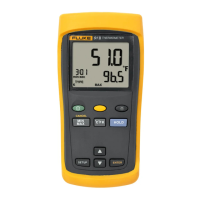
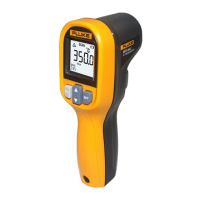
Infrared Thermometer
Maintenance
5
Maintenance
Warning
To prevent possible electrical shock, fire, or personal injury, have an approved
technician repair the Product.
Caution
To avoid damage to the Product, do not leave the thermometer on or near objects of
high temperature.
How to Change the Battery
To install or change the AA IEC LR06 battery, open the battery compartment and replace the
battery as shown in Figure 16.
How to Clean the Product
Use soap and water on a damp sponge or soft cloth to clean the Product case. Carefully wipe the
surface with a moist cotton swab. The swab may be moistened with water. See Figure 17.


 To Next Page