6
PRO3000 Toner and Probe Users Guide
Tracing Cables
Tracing cables lets you find the path of a cable run hidden inside or
behind a wall or otherwise unseen.
Note
Because adjacent pairs may pick up some of the toner’s
signal, you should work quickly to minimize the effect on
other services in the cable.
1
Put the toner’s slide switch in the TONE position.
2
Connect the red test lead to a wire of the unknown cable (see
Figure 3).
3
Connect the black test lead to another wire in the cable, but
preferably not of the same pair, or connect the black wire to
ground, if available.
When tracing a shielded cable, connect the red lead to the outer
shield and the black lead to the center conductor or to ground, if
available.
4
Turn on the toner by pressing the button once for the
continuous tone or twice for the alternating tone.
5
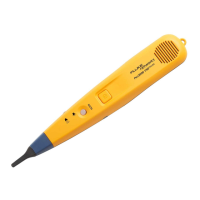
To find the cable behind a wall, move the probe tip toward the
wall where you think the cable is located. The cable is behind the
wall where the tone is loudest.


 To Next Page