1.Introduction
Suggestion:If, while rea ding the inst ructio ns,yo u are unclea r of s ome of the proce dures or func tions and
become st uck,co ntinue t o read on an yway. Often, the func tion or pr ocedure will ge e xplain ed again l ater in
a differe nt way pro viding a nother p erspe dctive f rom whic h to under stand it.Anot her sugg estion i s to
connect the batte ry,swi tch a nd se rvos to th e rec eiver and actua lly o perate the radio of your wordbe nch
as you make p rogram ming cha nges.T hen,y ou'll be a ble to see t he effec ts of your progra mming in puts.
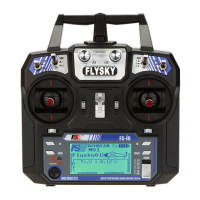
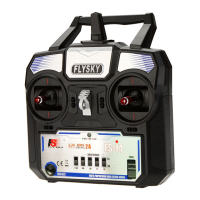
Thank you for purchasing the digi tal pr oporti onal r emot c ontrol syste m.If this
your first compute r radi o.rest assu red th at it is de signe d to make initial setup and field-
tuning of you r more accur ate than wo uld be if us ing a non-co mpute r radi o.Alth ough this is a
geginne r or sport s ystem wi th the req uirem ents of th ose flye rs in mind ,in order to make t he best
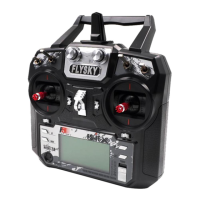
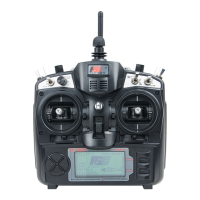
use of yo ur FLYSKY FS-TH9X and to oper ate it safely,you must ca refull y re ad all of the
instruc tions.
2.Service
If any diffic ulties ar e encount ered whil e setting up or operati ng your
system, please c onsult t he instr uction manual f irst.F or furth er assis tance
you may also refe r to you t hobby dealer, or cont act the Serv ice
Center at t he web sit e.
Http:\\www.flyskychina.com
FS-TH9X
2


 To Next Page