Need help?
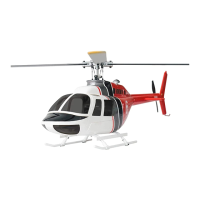
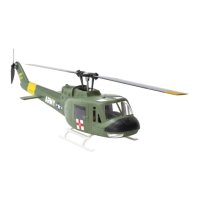
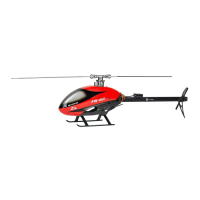
Do you have a question about the Fly Wing FW450 and is the answer not in the manual?
RC helicopters are not toys. Improper use can result in injury or death. Read manual carefully.
Fly in safe areas, away from people. Check rotor head and tail blade screws are secure.
Fly in legal fields with smooth ground, no obstacles, away from buildings and cables.
Lithium Polymer batteries are volatile. Follow all manufacturer instructions and warnings.
Keep model away from moisture. Water can cause malfunction or crash. Do not expose to rain.
Use replacement parts from manual. Product is for RC model use only. Do not misuse.
Keep eyes away from moving blades. Maintain distance during takeoff/landing and flight.
Get help from experienced pilots. Be aware of rotating blades and keep away from heat sources.
Diagram showing transmitter controls, sticks, screen, and power switches.
Diagram illustrating left stick controls for Up, Down, Turn Left, Turn Right.
Diagram illustrating right stick controls for Forward, Backward, Left, Right.
Hold power switches for two seconds to turn on. Adjust sticks if transmitter warns.
Insert battery securely, connect yellow plug. Wait for rotor head movement, then install canopy.
Use official charger. Connect to AC. Ensure battery temp is normal before charging.
Move left stick outward, release rocker. Turn start switch, push throttle stick up to take off.
Slowly pull throttle stick down, lower altitude. Pull to lowest position, turn switch to flameout.
Do not stop motor mid-flight. Helicopter won't take off with low battery. Propeller rotates at high speed.
Smart return: Turn stick to return. GPS mode terminates return. Low battery auto-returns.
Yellow flash: Positioning/preparing. Green solid: Unlock helicopter. Green flash: Unlocked.
Purple solid: Auto flighting/returning. Red flash: Restart. Yellow/Red flash: No Power.
Yellow flash: Preparing. Blue solid: Unlock helicopter. Blue flash: Unlocked successful.
Links to download FW450 Helicopter Instruction Manual and Quick Start Guide.
Links to DJI, flywing.com, and other related helicopter resources.
List of other user manuals for different RC helicopters and audio devices.

 To Next Page

 General