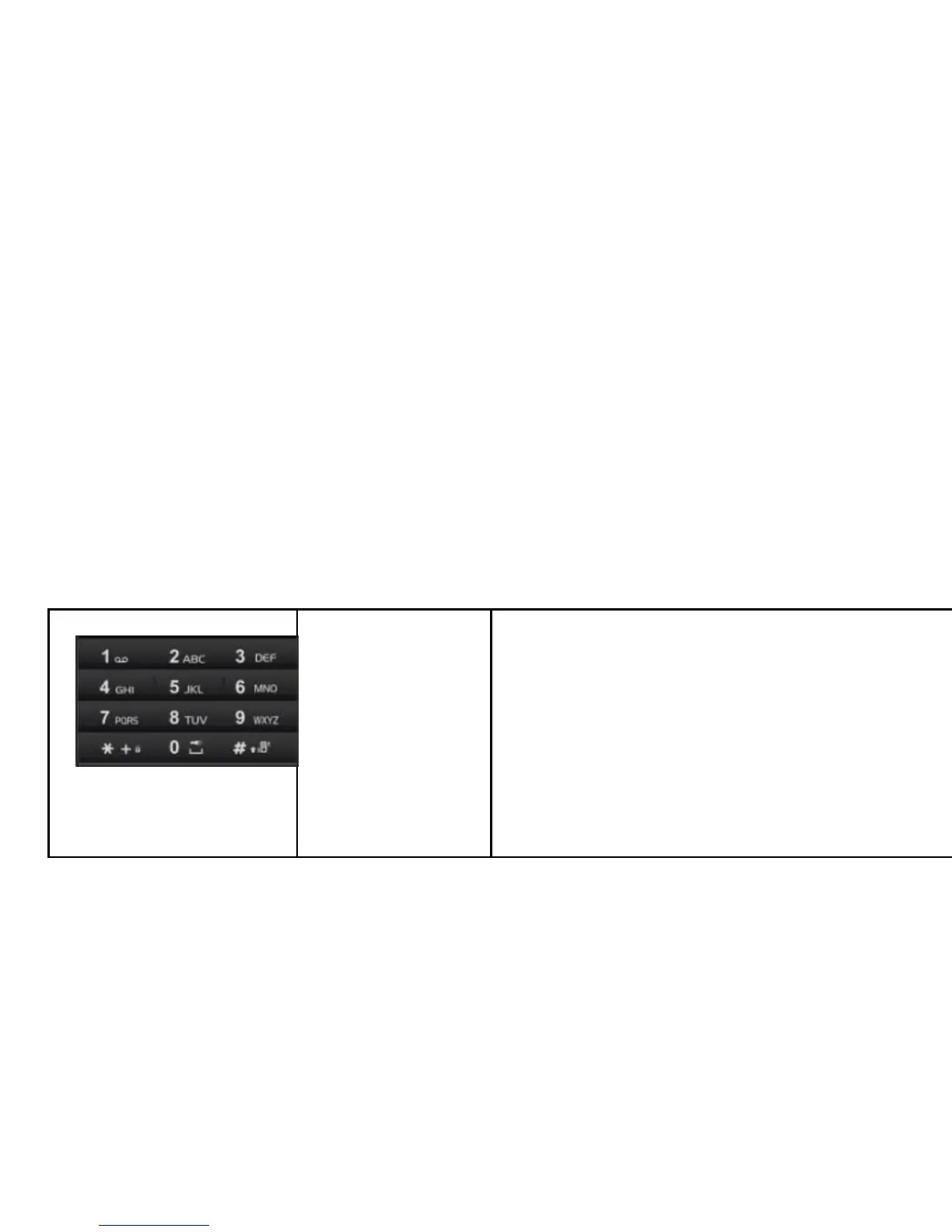
Enter numbers, letters and special
characters.
In Standby mode, press and hold # to
activate Meeting mode and “0” to activate
Torch.
In Edit mode, press # to switch the input
method.
Back Light
You can set the Back Light for the display and keypad through -Options in the menu.
The backlight will turn off automatically after a while if there is no key operation.
Display Screen
Your mobile phone has a single screen display, which consists of three main areas:
The first line displays status icons, which indicate the signal strength, the remaining
power of the battery, etc.
The -middle lines display text and graphics, including numbers, text, animated icons
and the information you enter.
The last line displays the currently available operations assigned to the left or right
soft key.



 To Next Page