REMOTE CONTROL
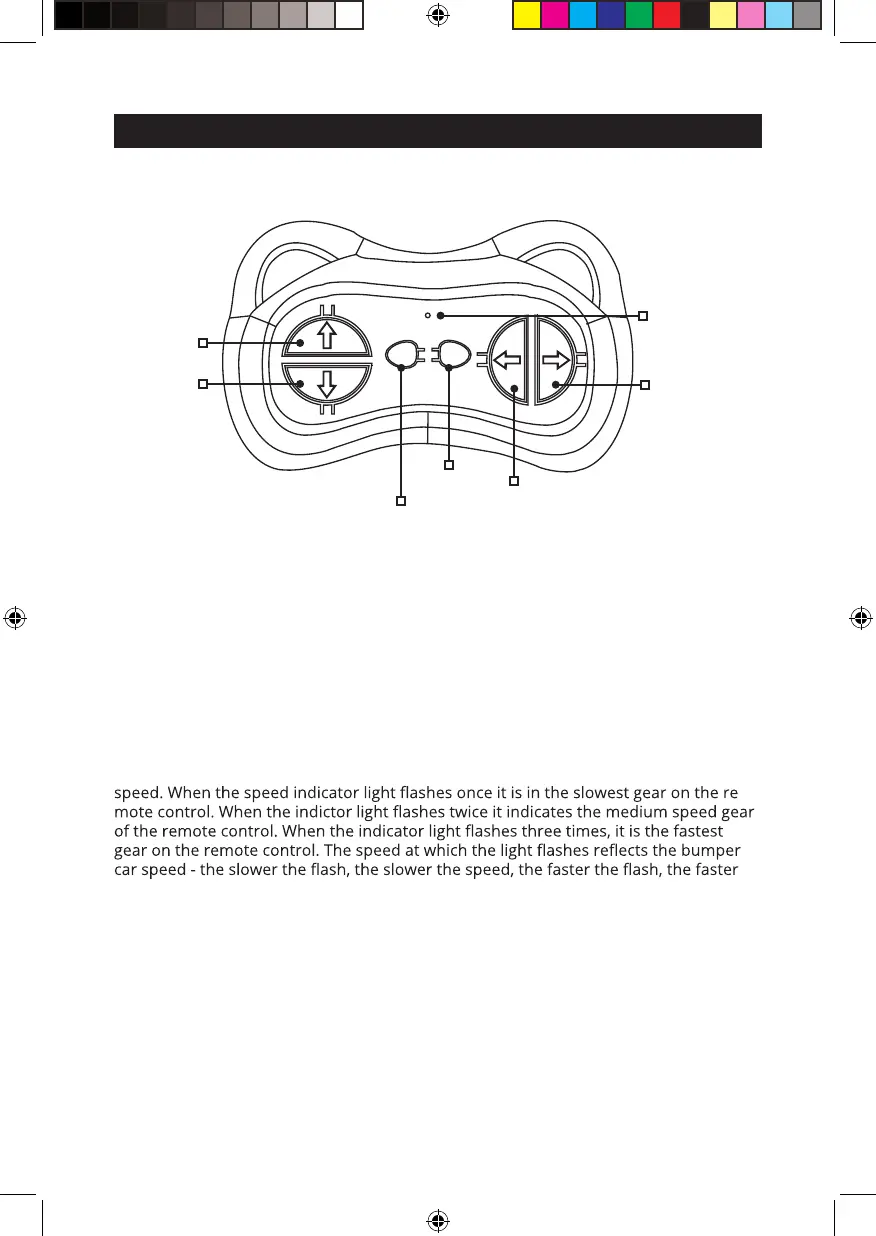
REMOTE FUNCTIONS
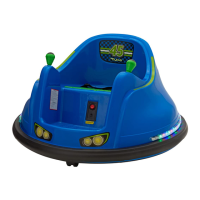
CONNECTING REMOTE TO BUMPER CAR
1. When batteries are inserted the remote is active and the indicator light will blink
constantly. Turn bumper car power switch on. The remote will connect to bumper car
automatically. When connected the remote indicator light will pause and stay on, then
continue to blink again.
SPEED REGULATION
2. Press the (M) speed regulation button on the remote to control three bumper cars
-
the speed.
Three Speeds:
Low: .9 mph (1.5 km/h)
Medium: 1.2 mph (2 km/h)
High: 1.7 mph (2.8 (km/h)
CONTROL
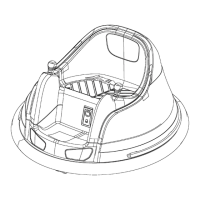
3. When using the remote control the riders manual use of the driving
joysticks on bumper car will override the remote control function. Once
driver stops using driving joysticks remote control function will resume.
WARNING!: Only use remote when bumper car is visible to human eye.
Forward
Reverse
Left
Brake
Speed Regulation
M P
Right
Speed
indicator
light
NOTE: Batteries not included. Please unscrew battery compartment on backside of
remote and insert qty 2 (AAA) batteries.
Flybar_V1_12V_Bumper_car_manual_Costco_USA.indd 6 7/13/23 10:35 AM


 To Next Page