5
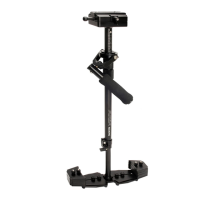
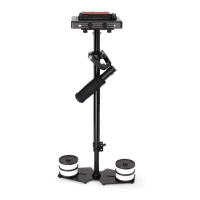
Loosen bolts to adjust the height of Zest
as per your requirement. Securely ghten
the bolts with the help of Allen key.
NOTE: Do not over ghten the bolts.
ZEST PRO SETUP
Loosen the Bolts & knob to rotate
Monitor Mount plate. The unique pivot
mechanism of Monitor mount enable
360° Rotaon and angle adjustment for
more convenience.
Adjustment of Monitor Mount
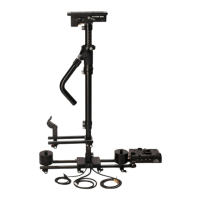
Aach the monitor mount to the
stabilizer rods and secure it properly
using the knob.
This is adjustable by loosening the
Monitor Mount Knob with one hand
while supporng and adjusng the
monitor with the other.
Add your choice of monitor by lining up
the registraon pins and aaching it to
the monitor mount via the capve ¼-20
screw.


 To Next Page