7
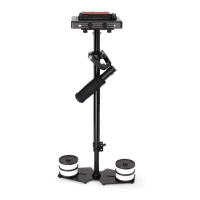
The Camera plaorm knob helps in the
movement of the plate.
As shown in the image, you can use the
knob to reverse and forward the plate as
per your choice.
Pull the knob on the camera plaorm
and remove the quick release plate.
Loosen the black knob on the camera
plaorm to move it right-le.
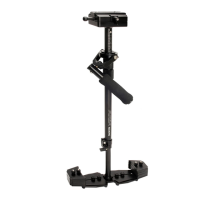
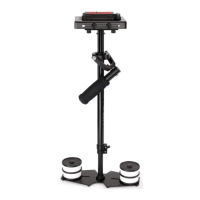
The images show the camera plaorm
movement. You can move the plaorm
right-le as per your requirement.
Aach the quick release camera plate to
the camera, and secure it using an Allen
Key.


 To Next Page