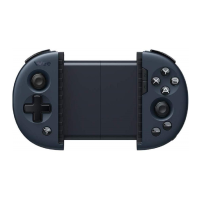
3. Controller Mode
Mode
Bluetooth Mode
Hold and press B+Logo buttons for 5 seconds
Wireless Android Mode
Hold and press A+Logo buttons for 5 seconds
Xinput Mode
Hold and press X+Logo buttons for 5 seconds
Connection
Method
2.4G Wireless
Bluetooth
System
Supported
Android
Device
Supported
Cellphone/Tablets
TV/Set-top Box/PC
Experience
Supported
Air Mouse
Motion Sensing
Authentic Vibration
Upgrade
Supported
Firmware Upgrade
Note: For mobile games, select Bluetooth mode to play on the cellphone;
For playing Android mobile games on computer simulator, select wireless Android mode;
For computer games, select Xinput mode.


 To Next Page