4. Play Games on Android Cellphone and Tablet
(Bluetooth Mode)
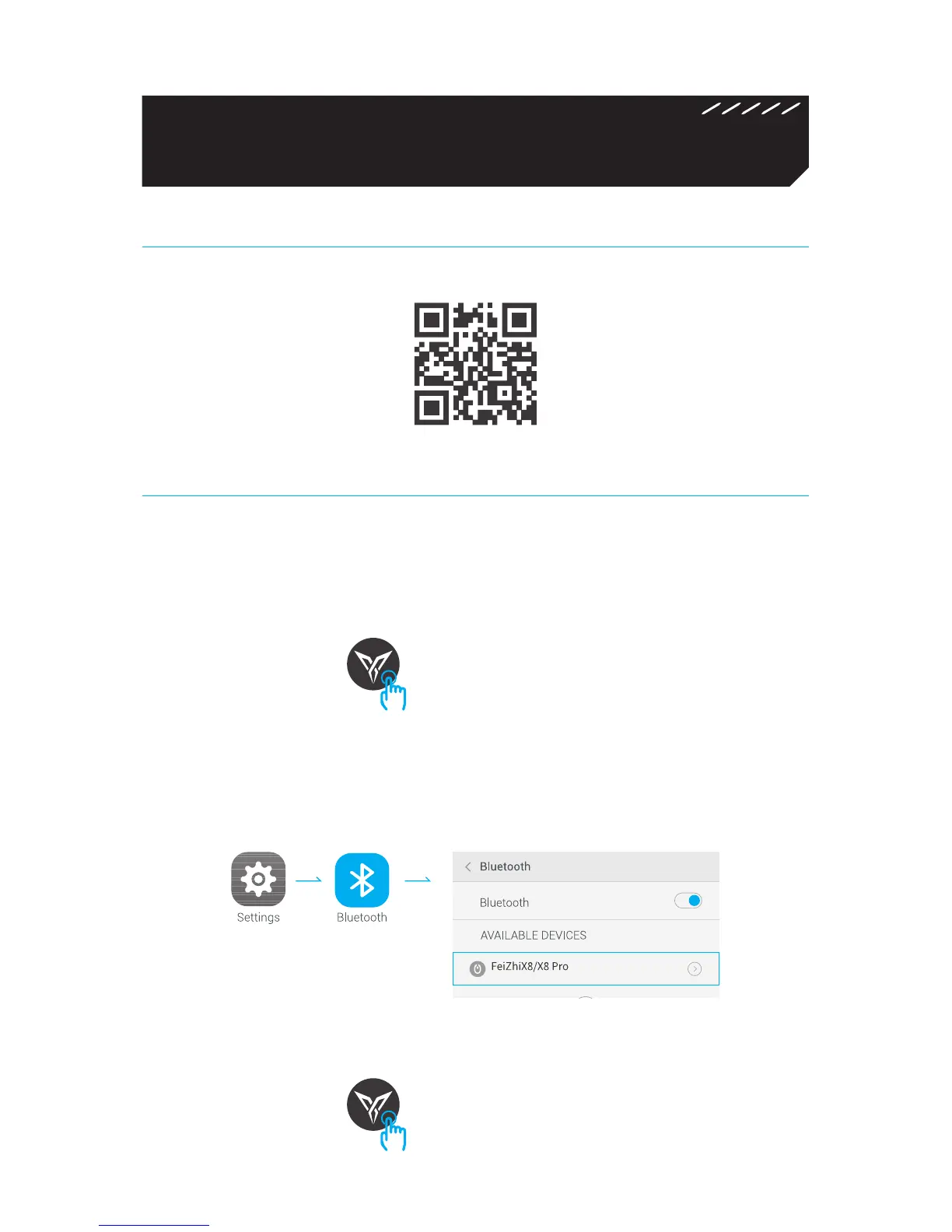
1. Download Flydigi Gamepad Assistant
2. Connect Controller
Scan QR code to download and install
Step 1: Turn on power, press and hold Logo button for 5 seconds, then
controller goes into pairing mode (White Logo light flashing). If the light
is not white at this time, press and hold B+Logo buttons in sequence for 5
seconds, then it will be switched back to Bluetooth mode.
Step 2: Click Settings – Bluetooth on the cellphone , turn on Bluetooth,
click on FeizhiX8 / X8 Pro of the search result and start pairing with
cellphone, after pairing is successful, white Logo light stays steadily on.
Note: For paired controller , it’s only necessary to press Logo button when re-
connecting next time, not need to hold.
Press and hold for 5 seconds
Click


 To Next Page