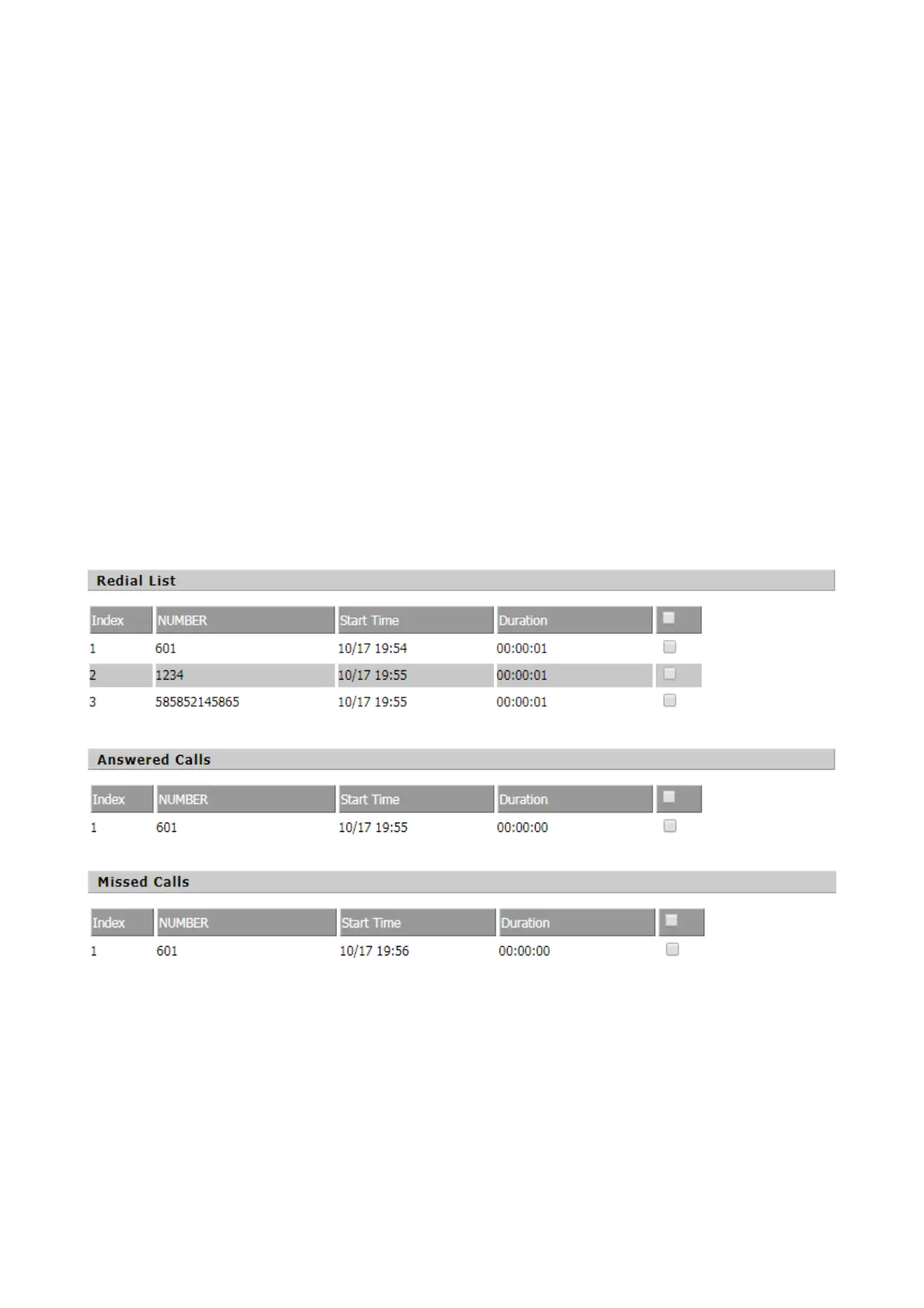
Call log
You can view phone call log information, such as dialed lists, received calls, and missed calls.。
Redial List
Steps:
Add a phone book:
Step 1. Click the Add button, and then the configuration table appears as shown.
Step 2. Fill in the value of the parameter.
Step 3. Press the Ok button to end the configuration.
Step 4. Press the Save button to save your changes.
Edit Phonebook:
Step 1. Check a number.
Step 2. Click the Save button and the configuration table shown in Figure 2 appears.
Step 3. Change the value of the parameter.
Step 4. Press the OK button to end the configuration.
Step 5. Press the Save button to save your changes.
Delete a phone call:
Step 1. Check one or more numbers.
Step 2. Click the "Delete" button to delete the phone.
Move from phone book to blacklist:
Step 1. Check one or more numbers.
Step 2. Press the Move to Blacklist button to move the blacklist to the phonebook.


 To Next Page