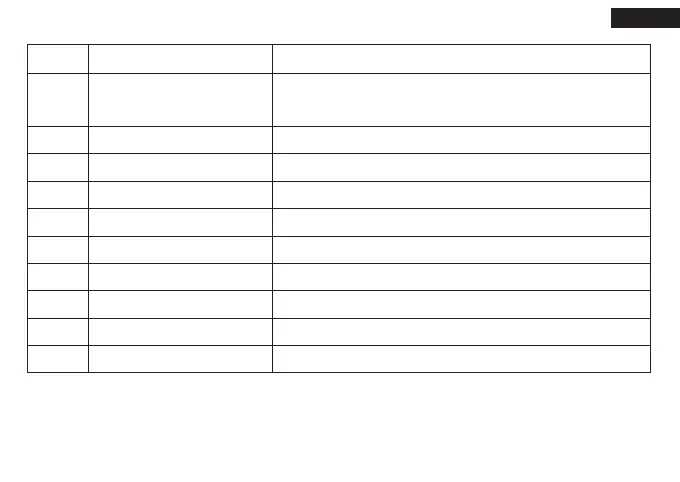
No
1
2
3
4
5
6
7
8
9
10
Operation
Press the button to charge your devices.
Press the button to see the remaining capacity.
Long press the button to turn on/off the flashlight.
Shows the charging progress: 25%, 50%, 75% and 100%.
Normal, SOS, Strobe, and Off
Charge your phone, tablet, camera, etc.
Charge the starter with the micro cable.
12V-800A
Connect to negative electrodes of the car battery.
Connect to positive electrodes of the car battery.
Insert the plug completely into the jump starter.
Show us the work status of the smart clamp.
Function
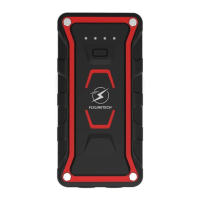
ON/OFF Button
(Multifunctional)
Charging Indicator Lights
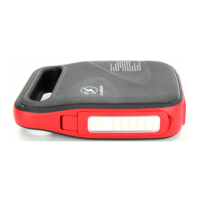
Flashlight
Output 1
Micro input
Auto jump port
Black Smart Clamp
Red Smart Clamp
Smart Clamp plug
Led Indictor
English
01 02 03 04
05 06 07 08 09 10 11
12 13 14 15 16 17 18
19 20 21 22 23 24 25
26 27 28 29 30 31 32
33 34 35 36 37 38 39
40 41



 To Next Page