How to Use
Cutting Positions
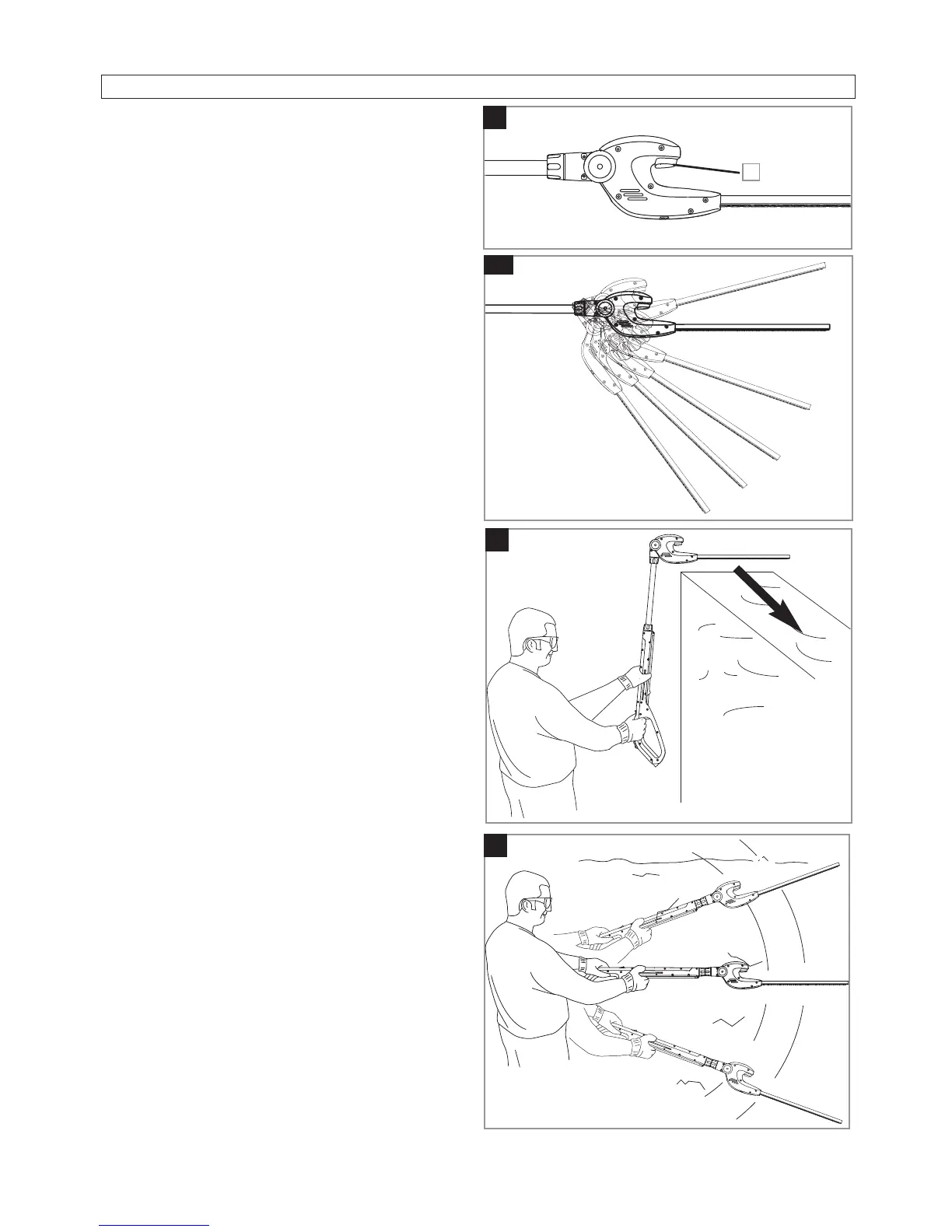
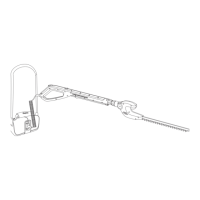
1. To change cutting position, press the button
on the hedgetrimmer head (G1) and move to
the position required.
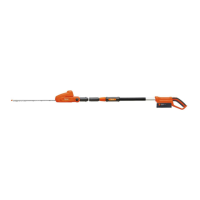
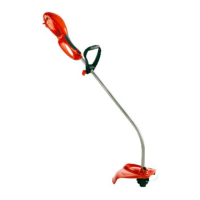
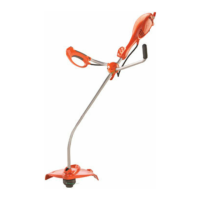
• Your Product has seven different cutting posi-
tions (H), to enable high top cutting (J), side
cutting etc (K).
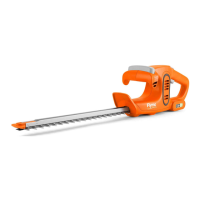
How to Use your Hedgetrimmer
1. Inspect area to be cut before each use - re-
move objects which can be thrown or be-
come entangled in the cutting blades.
2. Always keep the Hedgetrimmer in front of
your body. Hold handle firmly with both
hands and stand in a secure and stable posi-
tion.
3. Allow the cutting blades to reach full speed
before entering the material to be cut.
4. Always work going away from people and
solid objects such as walls, large stones,
trees, vehicles etc.
5. If blade stalls, immediately stop the Hed-
getrimmer. Clear jammed debris from the
cutting blades. Inspect blades and repair or
replace as needed.
J
H
G
1
K


 To Next Page