E-mail:info@flyrontech.com
Flyron Technology Co., Ltd. 20 Channel MP3 Sound Board
4.5.4 Specify playback of a device
Specify playback of USB flash
7E FF 06 09 00 00 01 FE F1 EF
Specify playback of SD card
7E FF 06 09 00 00 02 FE F0 EF
1) The module supports two types of playback devices (USB flash and SD card). The device must be on-line
so it can be specified playback. It automatically detects if a device is on-line or not.
2) It automatically enters into the standby status after specifying a device, waiting MCU to specify a track to
play. It takes about 200ms from specifying device to the module finishes initialization of file system. Please
wait for 200ms and then send the specified command to play a track.
4.5.5 Set sleep mode, awake from sleep and reset
7E FF 06 0A 00 00 00 FE F1 EF
7E FF 06 0B 00 0 0 00 FE F0 EF
Reset 7E FF 06 0C 00 00 00 FE EF EF
1) After set the module enter into sleep mode, there is also other two ways other than sending the command
to awake the module.
a. Specify playback of the storage device, either USB flash or SD card.
b. Pull out the storage device and re-plug it in.
2) The reset is a soft reset. The reset time is 5-8 seconds. This allows the reset command under any status.
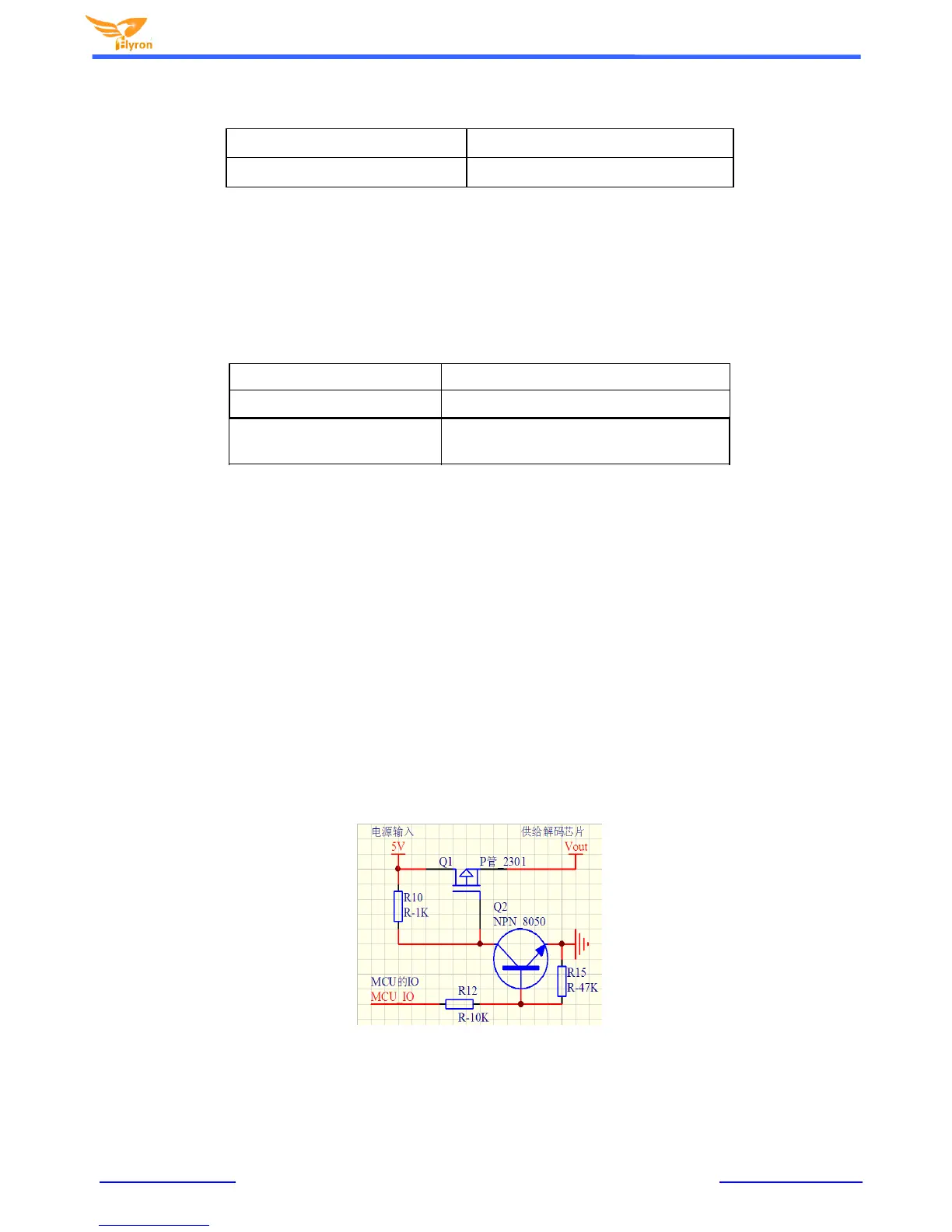
Note: When the module enters into the sleep mode, the standby power consumption is about 10mA. If users are very strict
to the power consumption, you can use a MOS and a transistor to control power supply of the module. It is possible to cut
off the power supply completely when standby is not necessary. Please refer to theschematic as below.


 To Next Page