Flytec 5020 technical manual
1 Operation
1.1 Turning the Unit On and Off
The unit is switched on by pressing the key. You must confirm the switch on, by
pressing the “Enter” key.
To switch it off, you need to press the same key for three seconds. The unit will then display
the question ‘switch off?? Press Enter’ Confirm by pressing “Enter”. After a long flight with
short record intervals the calculation of the digital signature can take up to one or two
minutes. Please wait until this process is finished. Press O/ESC key again to turn off the
unit.
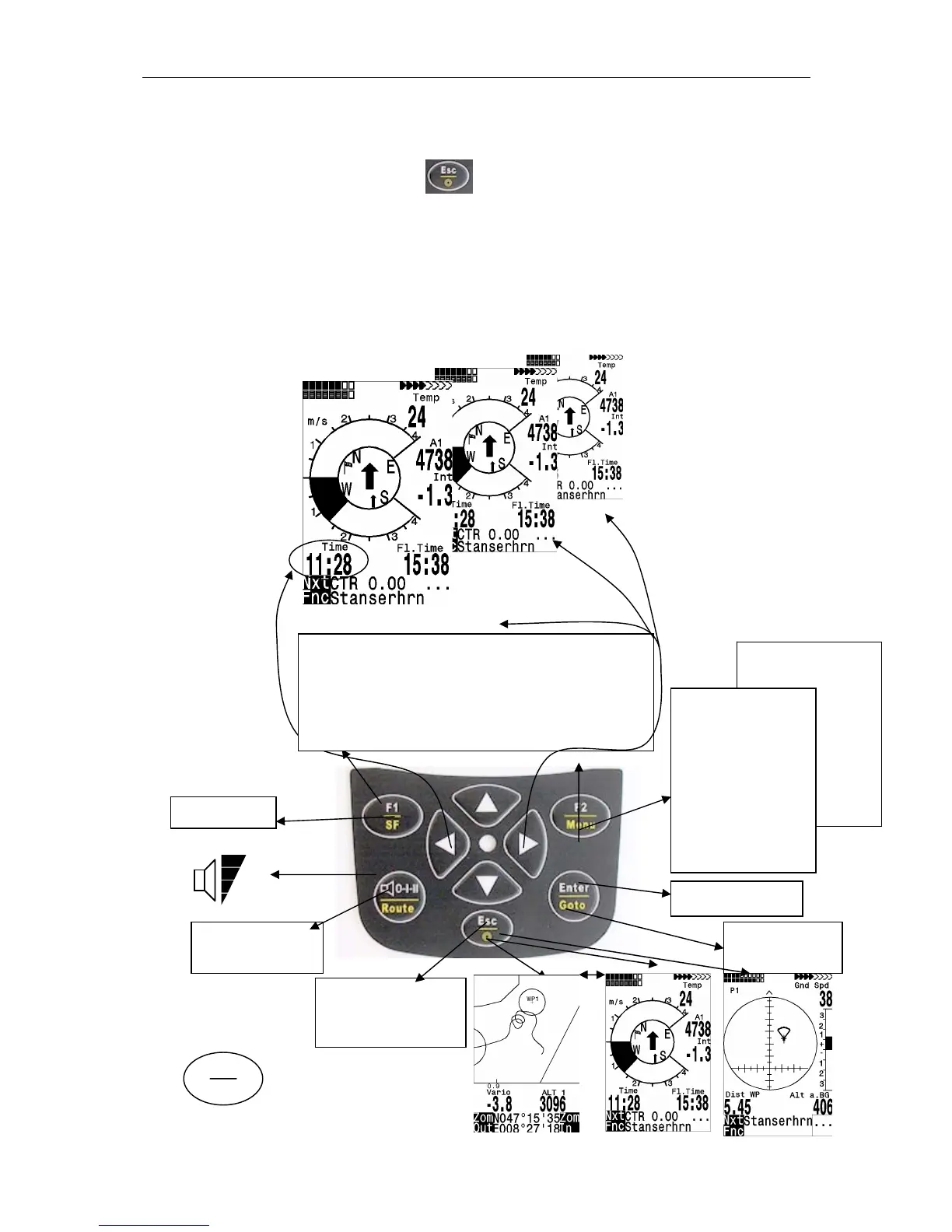
1.2 Keypad
Main Setup Menu
===============
Factory Settings
Opt. SW-Packages



 To Next Page