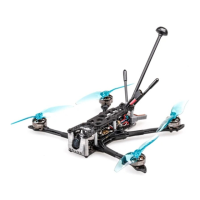
FLYWOO LR4 QUAD O3 V1.0
RXSR/XM+ receiver:
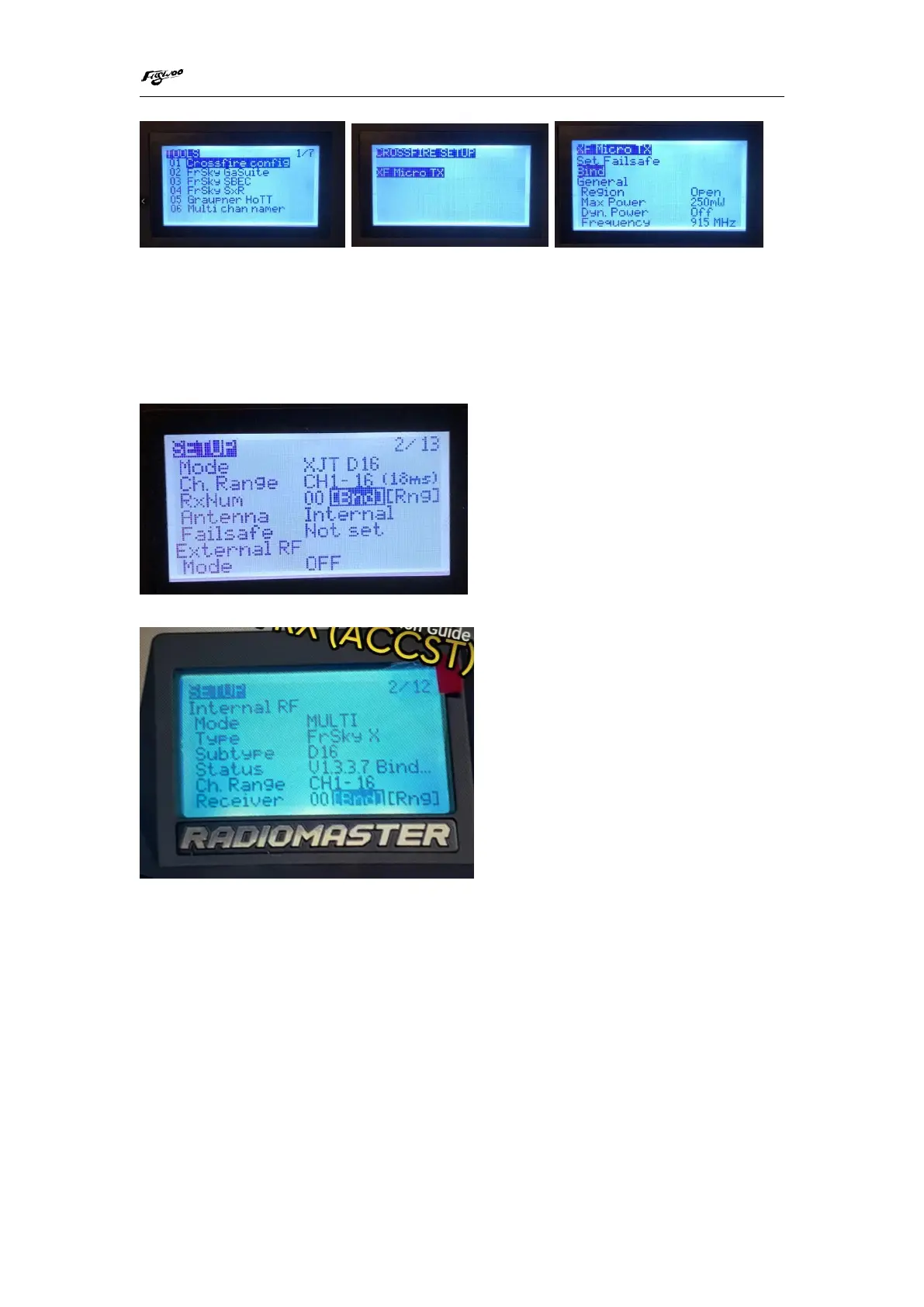
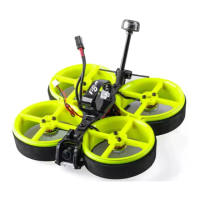
FRSKY remote control version
1/ Press the RXSR/XM+ receiver button, USB power supply, the red and green lights are
always on
2/ The remote control turns on the binding mode, the green light flashes to indicate
successful binding, turn off and restart
Other Frsky protocol versions
4/ Mode setting:
Set the ARM switch and flight mode switch, AUX* corresponds to the remote control
switch, and the yellow area mark is turned on


 To Next Page