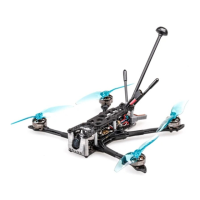
FLYWOO LR4 QUAD O3 V1.0
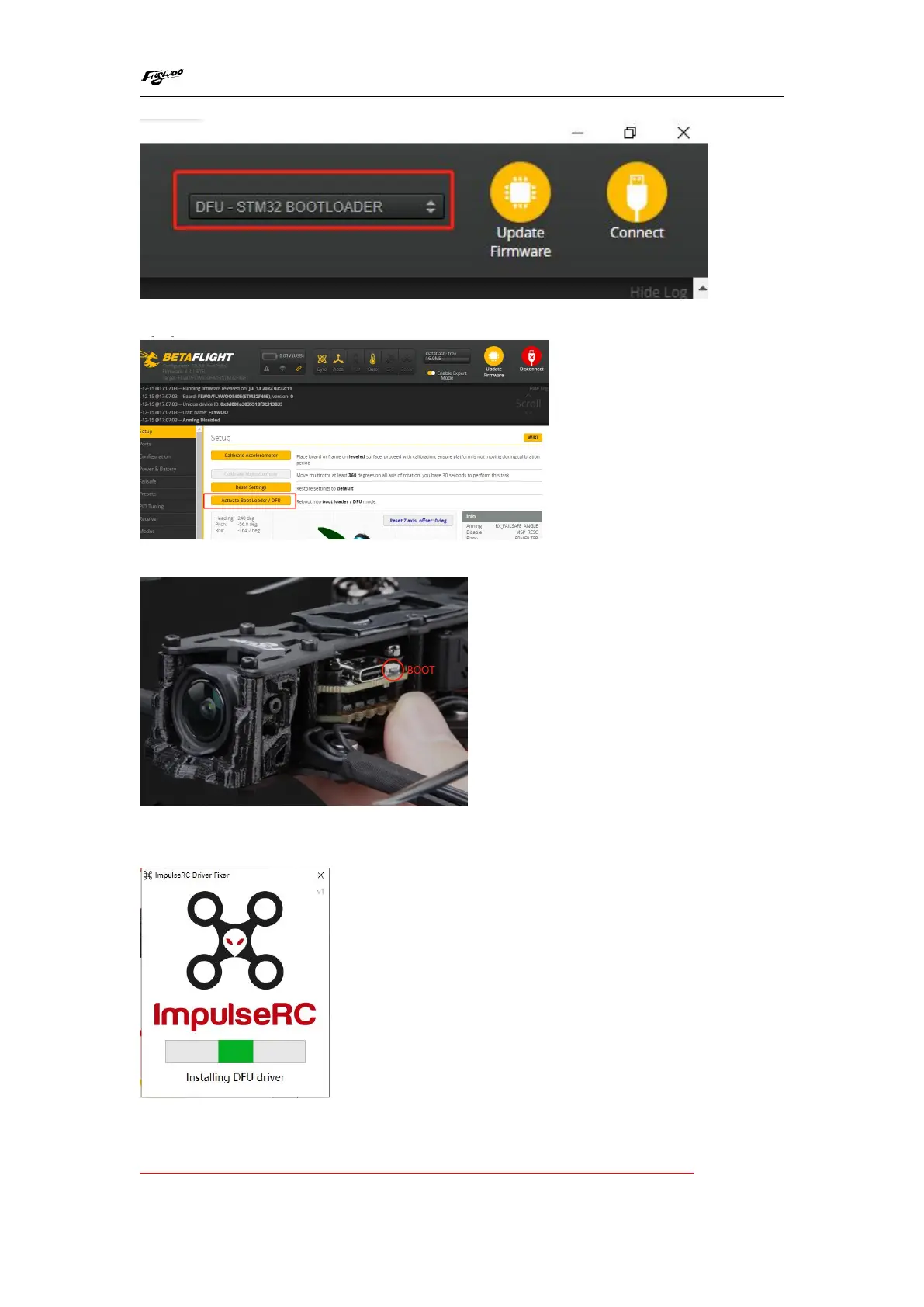
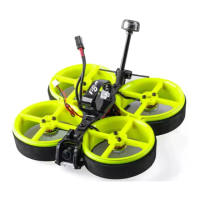
1. Enter the BF configurator, click to Activate BOOT Loader/DFU
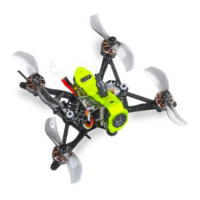
2. Press and hold the FC's BOOT button while connecting the USB cable
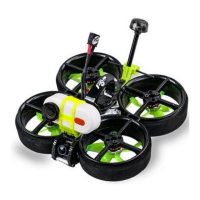
2/ If it does not enter DFU mode, it may be that the driver is not installed. The driver
can be installed using IMPULSE RC software
Driver software:
https://impulserc.blob.core.windows.net/utilities/ImpulseRC_Driver_Fixer.exe


 To Next Page