Issue/Rev. 0.0 (2/10)
MNFG003 • Page 9
Program Mode
The microFlow.net Gas has a significant number of customizable features which are selectable by the user. The
process of selecting these features and customizing the microFlow.net Gas to each application is performed in the
Program Mode. All programming information is entered via the keypad or through communications. This section will
describe the procedure for entering via the keypad. The program codes for microFlow.net Gas are divided into several
main directories plus Diagnostics. The main directories and their contents are discussed in detail in the microFlow.
net Gas Operator Reference Manual MNFG002.
Keypad Data Entry
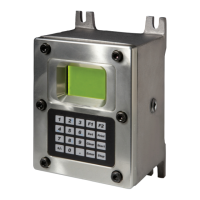
The push buttons on the keypad perform the following functions while the instrument is in the Program Mode:
0 – 9 Used to enter the access code and data entries.
CLEAR Used for clearing incorrect entries or for getting to an exit point.
ENTER Used to enter the Program Mode security access code, to enter the subdirectory, and to
enter program data.
START Not used in Program Mode.
SET Page Scrolling.
PRINT Used to access Help Messages.
STOP Used to set the security level.
F1 Not used in Program Mode.
F2 Not used in Program Mode.
h Used to move up through the menus and rows for alphanumeric entries.
i Used to move down through the menus and rows for alphanumeric entries.
+ / - Used for adding signs to values being programmed.
. Decimal point, for values requiring one.
fg Used for alphanumeric entries.
Section IV – Program Mode


 To Next Page