EasyManua.ls Logo

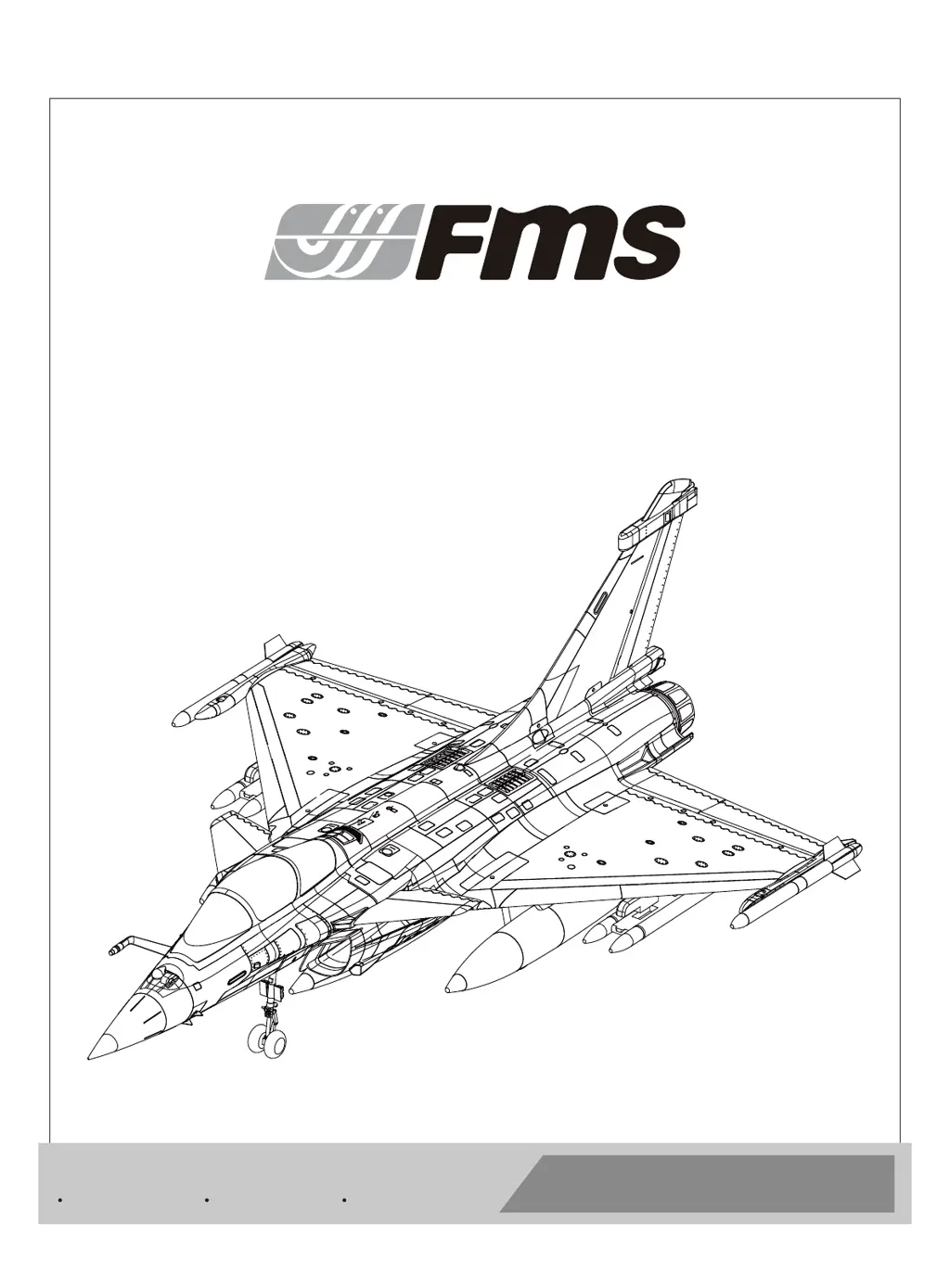
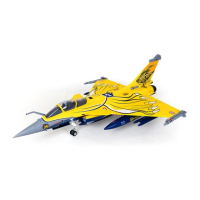
FMS 80mm Dassault Rafale - User Manual

FMS 80mm Dassault Rafale
34 pages
Print Icon
To Next Page IconTo Next Page
Loading...
FMSMODEL.COM
80mm
Dassault Rafale
Manuel d’utilisation
Instruction Manual
Bedienungsanleitung
操作手册
REALISTIC STABLERIGID
Retract & Flaps Installed Strong durable EPO Smooth flying performance

Questions and Answers

  • A
    Aaron DavisAug 5, 2025
    What to do if the motor power pulses then loses power on my FMS 80mm Dassault Rafale Toy?
    • T
      Travis FrenchAug 5, 2025
      If your FMS Toy aircraft's motor power pulses and then loses power, it could be due to a loss of power to the aircraft. In this case, land the aircraft immediately and recharge the flight battery. Alternatively, the ESC might be using the default soft Low Voltage Cutoff (LVC). Check the connection from the ESC to the receiver.
  • D
    davidlopezAug 10, 2025
    Why won't the throttle respond on my FMS Toy?
    • K
      kari05Aug 10, 2025
      If your FMS Toy aircraft will not respond to the throttle but responds to other controls, it could be because the ESC is not armed. To solve this, lower the throttle stick and throttle trim to the lowest settings. Another possible cause is that the throttle channel is reversed. In this case, reverse the throttle channel on the transmitter.
  • A
    amyjonesAug 15, 2025
    Why is flight time reduced on my FMS Toy?
    • B
      Bryan SmithAug 15, 2025
      If you are experiencing reduced flight time or your FMS Toy aircraft feels underpowered, it could be due to a low flight battery charge. To resolve this, completely recharge the flight battery. Another possibility is that the flight battery is damaged. If this is the case, replace the flight battery and follow the provided flight battery instructions.
  • J
    Jessica CollinsAug 19, 2025
    How to fix extra propeller noise on my FMS Toy?
    • H
      hruizAug 19, 2025
      If you are experiencing extra propeller noise or vibration with your FMS Toy, it could be due to damaged spinner, propeller, motor, or motor mount. Replace any damaged parts. It may also be caused by loose propeller and spinner parts; tighten the parts for the propeller adapter, propeller, and spinner. Another possibility is that the propeller is installed backwards; remove and install it correctly.
  • E
    Eric AndersonAug 26, 2025
    Why are the controls reversed on my FMS 80mm Dassault Rafale Toy?
    • M
      Monique PerryAug 26, 2025
      If your FMS Toy's controls are reversed, the channels are reversed in the transmitter. Perform the control direction test and adjust controls for both the aircraft and transmitter.
  • T
    Tammy SmithAug 30, 2025
    What to do if control surface doesn't move on FMS Toy?
    • C
      Colton YoungAug 30, 2025
      If a control surface on your FMS Toy does not move or is slow to respond, it could be due to damage to the control surface, control horn, linkage, or servo. Replace or repair any damaged parts and adjust the controls. Another possible cause is damaged wires or loose connections. Inspect all connections for loose wiring.

Summary

WARNING

Safety precautions and warnings

General safety guidelines for operating the RC model, emphasizing caution and common sense.

Safety

Specific safety information, including warnings about Li-Po batteries and charging procedures.

Introduction

Kit Contents

Specifications

Technical specifications of the FMS 80mm Dassault Rafale, including dimensions and weight.

Main wing installation

Vertical stabilizer installation

Canard installation

Weapons installation

Auxiliary fuel tank installation

Installation of the fuel probe

Nose cone installation

Wiring diagram

Battery installation

Receiver diagram

Get your model ready to fly

Important ESC and model information

Crucial details regarding ESC operation, motor rotation, and battery selection for optimal performance.

Transmitter and model setup

Control throws

Recommended control throw settings for elevator, aileron, rudder, and canard for optimal flight.

Clevis installation

Control horn and servo arm settings

Check the C.G. (Center of gravity)

Before flying the model

Find a suitable flying site

Advice on selecting an appropriate and safe location for flying the model, away from obstructions.

Perform the range check for your plane

Instructions for conducting a ground range test to ensure radio system functionality.

Monitor your flight time

Tips on managing flight time using a timer and recognizing low battery indications.

Flying course

Take off

Procedure for initiating flight, accelerating, and climbing to a safe altitude.

Flying

Recommendations for safe and effective flying practices, including altitude and maneuver selection.

Landing

Instructions for safely bringing the model down, including throttle management and touchdown techniques.

Maintenance

Advice on repairing foam parts and performing routine checks before each flight.

Trouble shooting

Spare parts list content

A list of available spare parts with corresponding item numbers for ordering replacements.

User Manual of Brushless Speed Controller

Begin To Use Your New ESC

Initial steps for using the ESC, including important safety and calibration notes.

Throttle range setting

Procedure for calibrating the ESC's throttle range to match the transmitter's settings.

Normal startup procedure

Steps for safely starting the motor and arming the ESC after connecting the battery.

Protection Function

Explanation of the ESC's built-in protection features like startup failure and overheat protection.

Trouble Shooting (ESC)

Common issues with the ESC and motor operation, and their resolutions.

Program the ESC with your transmitter (4 Steps)

NO.1 Enter program mode

Steps to enter the ESC's programming mode using the transmitter controls.

NO.2 Select programmable items

How to navigate through the programmable ESC options using specific tones and stick movements.

NO.3 Set item value (Programmable value)

Method for setting the desired values for ESC parameters like brake, battery type, and timing.

NO.4 Exit program mode

Instructions on how to safely exit the ESC programming mode after making adjustments.

FMS 80mm Dassault Rafale Specifications

General IconGeneral
BrandFMS
ModelDassault Rafale
CategoryToy
Motor3280-KV2100
Servos9g Digital Metal Gear
Radio6 Channel
Battery6S
MaterialEPO Foam
Completion LevelPlug-N-Play

Related product manuals