EasyManua.ls Logo

Focal ST6 SOLO6 - Page 17

Focal ST6 SOLO6
Print Icon
To Next Page IconTo Next Page
To Previous Page IconTo Previous Page
Loading...
17
SOLO6 - TWIN6 - SUB12
Professional Analogue Monitoring System - User Manual
EN
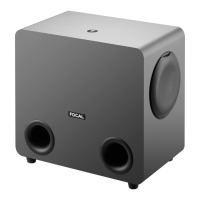
SUB 6
VUE DE FACE
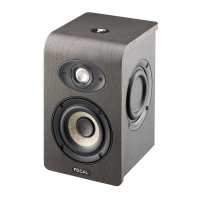
TWIN 6
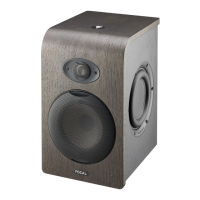
SOLO 6
C
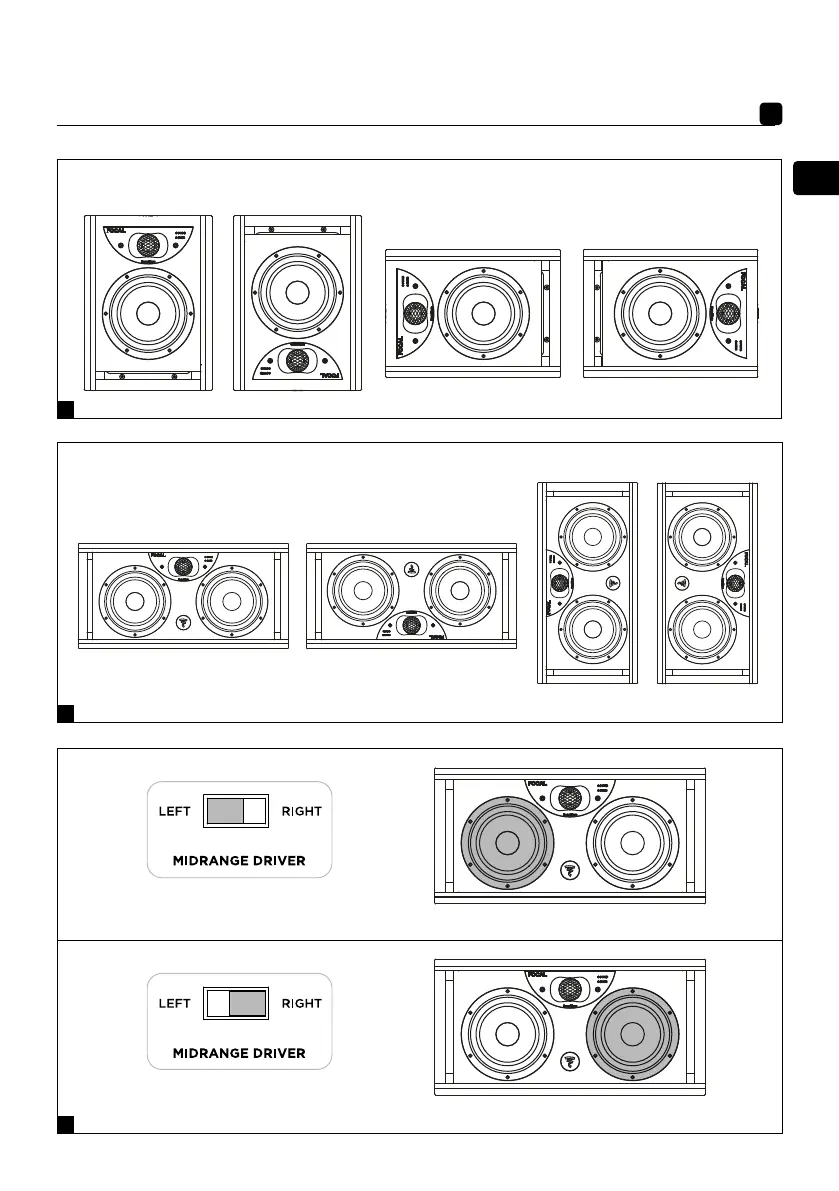
Position A
Left/Right
Position C
Left
Position B
Left/Right
Position C
Right
SUB 6
VUE DE FACE
TWIN 6
SOLO 6
SUB 6
VUE DE FACE
TWIN 6
SOLO 6
SUB 6
VUE DE FACE
TWIN 6
SOLO 6
SUB 6
VUE DE FACE
TWIN 6
SOLO 6
D
Position A
Left/Right
Position C
Position B
Left/Right
SUB 6
VUE DE FACE
TWIN 6
SOLO 6
SUB 6
VUE DE FACE
TWIN 6
SOLO 6
SUB 6
VUE DE FACE
TWIN 6
SOLO 6
Left Right
E
SUB 6
VUE DE FACE
TWIN 6
SOLO 6
Midrange
Speaker driver chosen to reproduce the midrange
with the switch set to “left”
Speaker driver chosen to reproduce the midrange
with the switch set to “right”
Midrange