9
5.1 USE OSD MENU
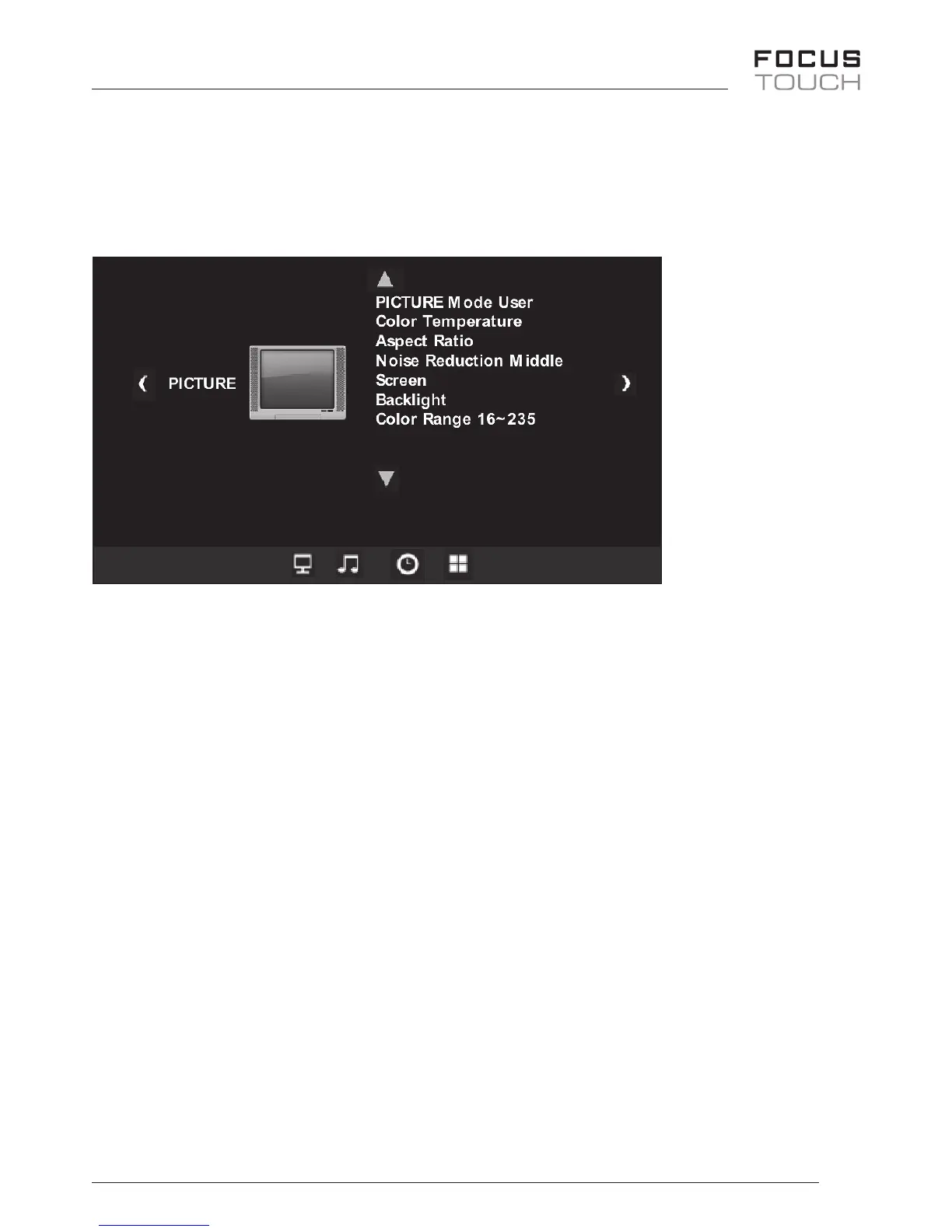
OSD Menu Mode / Picture Mode
• PressMENUbutton,opentheOSDMenumode
UP/DOWN/VOL+/VOL-buttonsallowyoutochangesettingaftermovingup/down/
left/right.
• Theremotecontrolusestheup/down/left/rightanduseselectbutton
• PicturemodeallowsyoutopickDynamic/Standard/Mild/UserYoucanadjust
Brightness,Contrast,Tint,ColorandSharpness
• ColorTemperature-6500K/9300K/11000K/User
YoucanadjustColorTemperature.
• AspectRatio-Auto,4:3,16:9,Zoom1,Zoom2,FullScreen,Panorama
YoucanadjustPicturesize.
• NoiseReduction-O/Low/Middle/High
Youcanremovenoisewhennoiseappearsonthescreen.
• BackLight-0~100
Whenthenumberislowered,powerconsumptionisloweredaswell.
• ColorRange-16~235,0~255
Tonish,pressMENUbutton


 To Next Page