EN
CHARGING
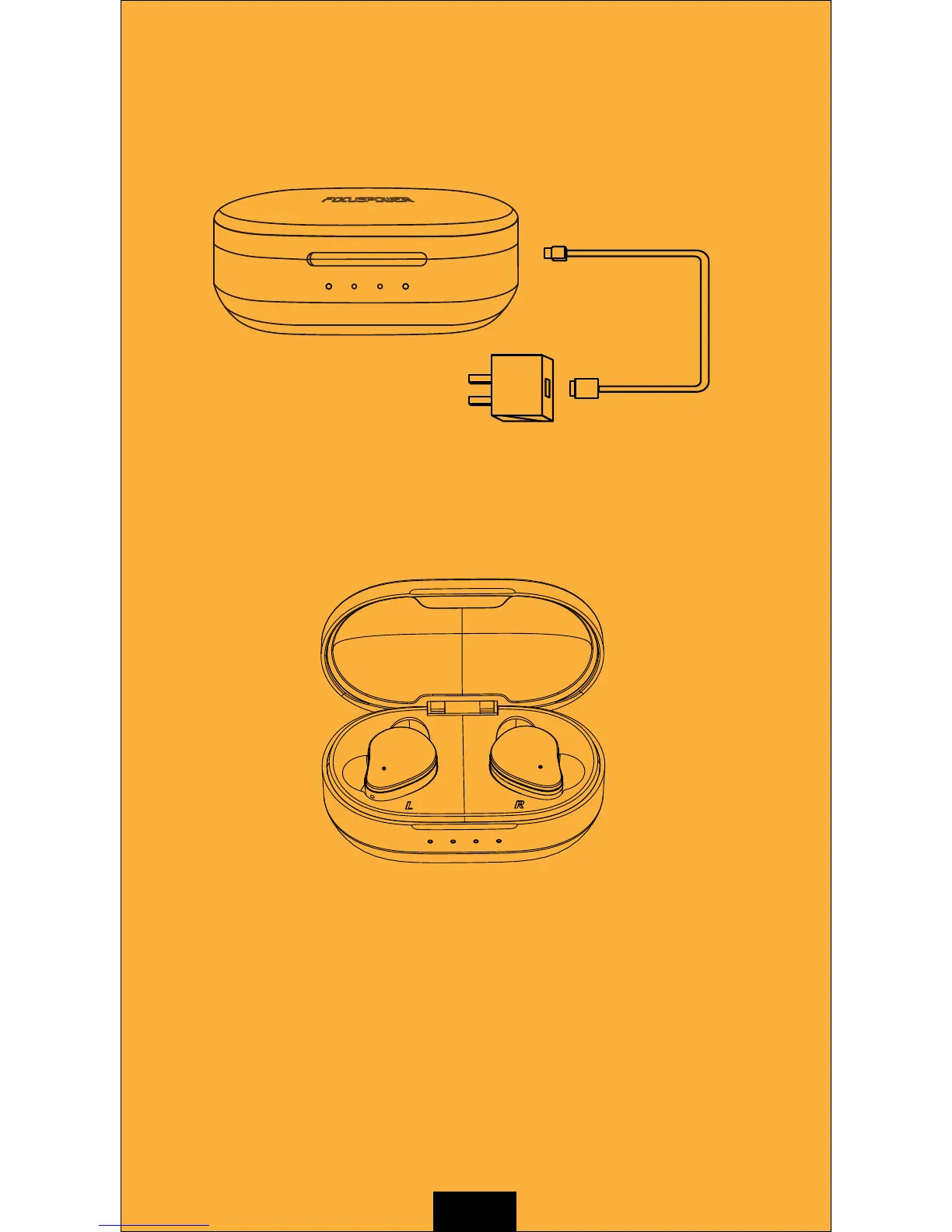
Charge the charging case
Use the charging cable to charge the charging case with the
power-adaptor.
Charge the earbuds
Make sure the charging case has enough power. Then put
the earbuds into the corresponding position then they will be
automatically powered off and start to be charged.
Charging indicator display
Charging :
Earphone indicators emit orange light.
Charging case indicators emit orange and white light alternately.
Earphone fully charged :
Earphone indicators emit white light for 10 seconds and then go out.
Charging case indicators don't light up.
Battery level : Put earphone into the charging case. The case white light
indicators can show current battery level. Each of the four white lights
represents 1/4 of battery capacity.
Low battery : Charging case all white lights flash fast 5 times.
Short circuit protection : The charging case indicators flash orange light 5 times.
5V/1A



 To Next Page