6
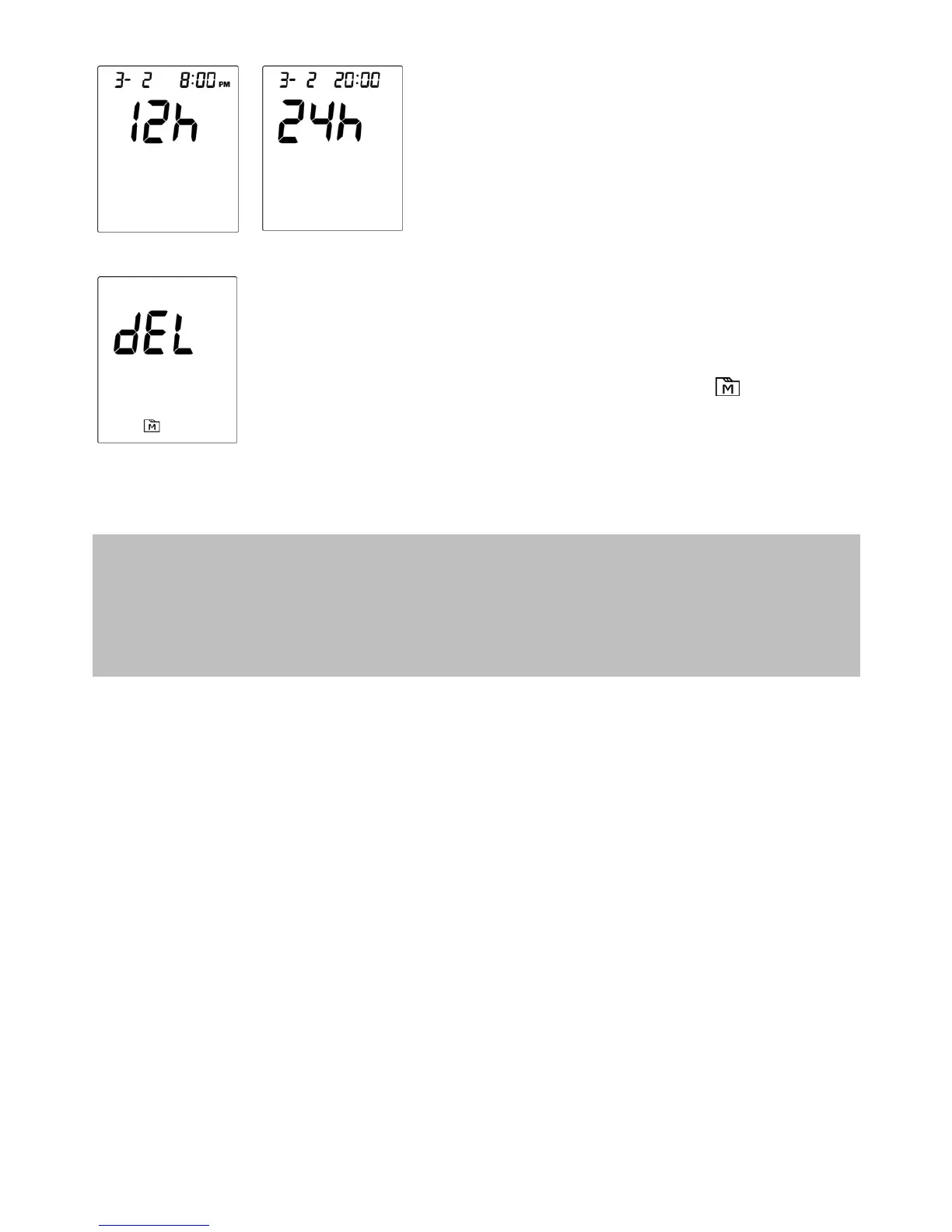
3. Setting the time format
Press M button to select the desired
time format --- 12h (AM/PM) or 24h.
Press AVG/S.
4. Deleting the memory
If you do not wish to delete the saved
results, press AVG/S to skip this step.
Otherwise, with "dEL" and " " flashing
on the display, press the M button twice
to delete ALL results.
Congratulations! You have completed all settings!
NOTE:
These parameters can ONLY be changed in the setting mode.
If the monitor is idle for 3 minutes during the setting mode, it will switch off
automatically.


 To Next Page