10
NOTE:
If you press during measurement, the monitor will be turned off.
If the pulse rate symbol is shown as “ ” instead of “ ”, that means the
heart beat period deviated from the mean heart beat by greater than 25%.
●Average Measurement Mode
Always apply the pressure cuff before turning on the monitor.
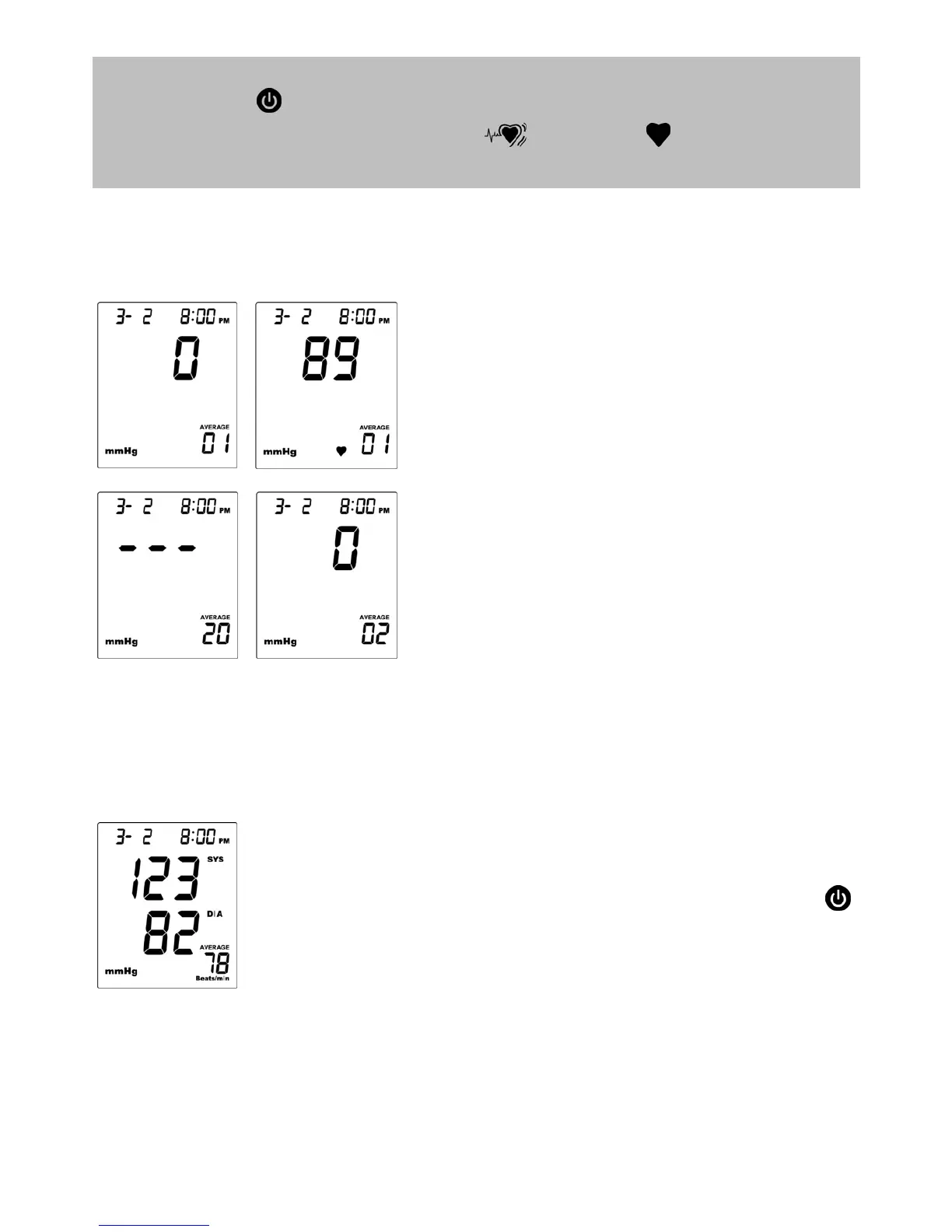
1. Press AVG/S button. The monitor will
turn on and enter the averaging mode.
The cuff will begin to inflate
automatically.
2. After the first measurement is
complete, the monitor will start counting
down before the second measurement
begins. The number on the right
represents the remaining countdown
between each measurement. The
monitor will take three (3)
measurements consecutively with an
interval of 20 seconds.
3. After taking three measurements, the
results are averaged to produce the
blood pressure measurement. Press
to turn off the monitor.


 To Next Page