Important:
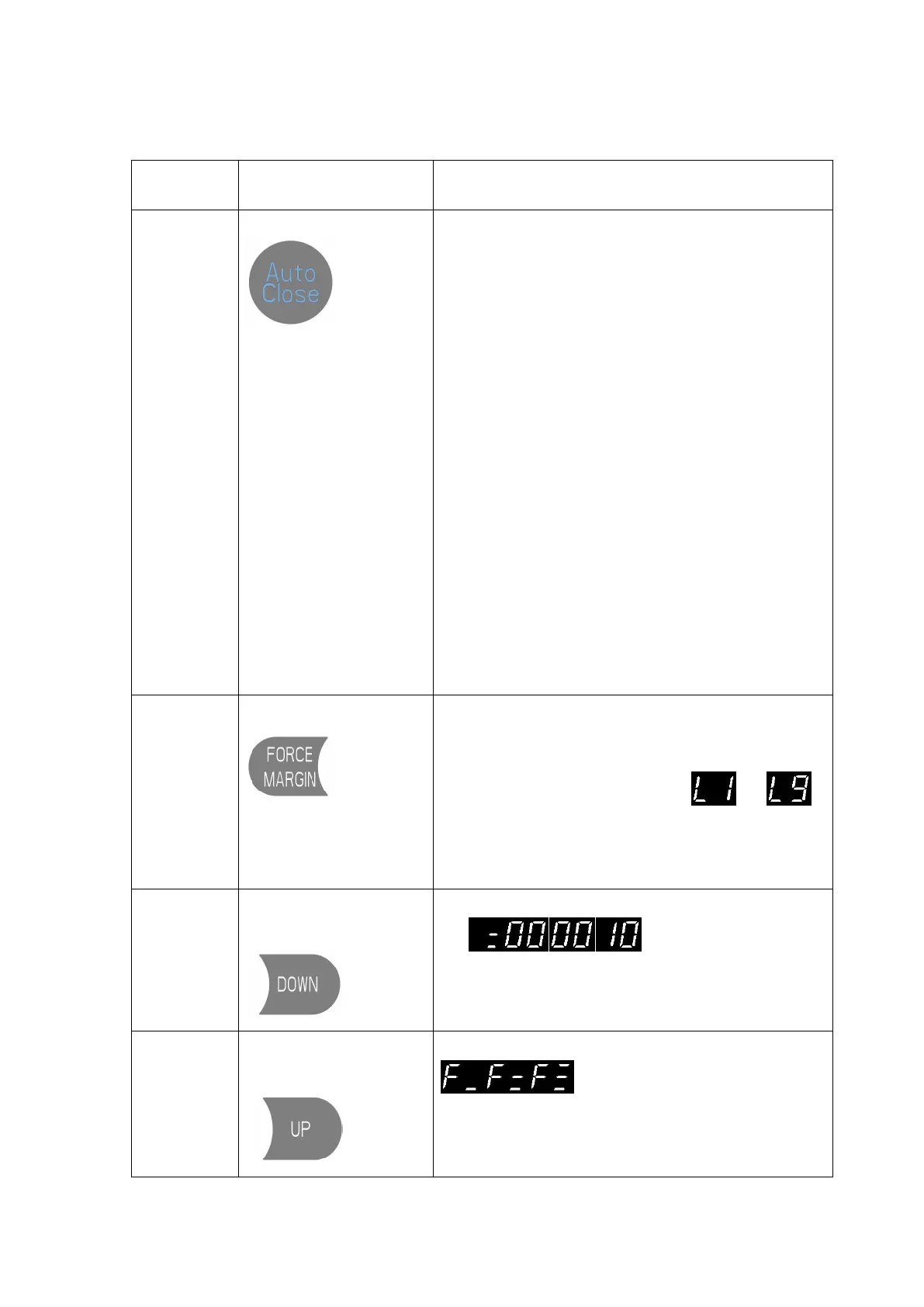
The “AUTO CLOSE” only can be activated when the Photo
beam or light curtain has been correctly installed and the
photo beam function has been enabled from function menu
(Refer to page 18 - Menu 5).
Short press the “AUTO CLOSE” button, when the
indicator light is turned on. It means the “AUTO
CLOSE” function has been activated.
(Default: The door only can auto close while in the open
limit position. And the Auto Close time is 15 seconds).
Note: Refer to page 16 - Menu 4 to change any setting
for AUTO CLOSE conditions or time if necessary.
Note: If there is no any photo beam or light curtain
installed, the door can not be closed, and the LED display
will show the letter “E6” as an indication.
Short press the “AUTO CLOSE” button, when the
indicator light is turned off. It means the “AUTO
CLOSE” function has been dis-activated.
Short press the button, the digital display will indicate
the current force level firstly
Continually short press the button: Incremental rolling
display the force level between to
L1: Minimum force level ;
L9: Maximum force level
Note: L3 to L7 is recommended.
The digital will rolling display
, it represents the drive has
been 10 running cycles worked.
Note: The running cycles is displayed in 6 digits
The digital will rolling display
,then release the button, it means the
drive has been restored to factory setting.
Note: The running cycle counter record will not been
cleared.


 To Next Page