Important:
"AAS" will automatic identify the door condition to define a best program
for its "Open/ Close speed", "Soft start/ soft stop ranges" and "Force sensitivity".
A quick setting guide the drive will work properly after below operation.
QUICK SETTING TO GUIDE THE DRIVE WORKS
BY "AAS" (Auto adaptive system)
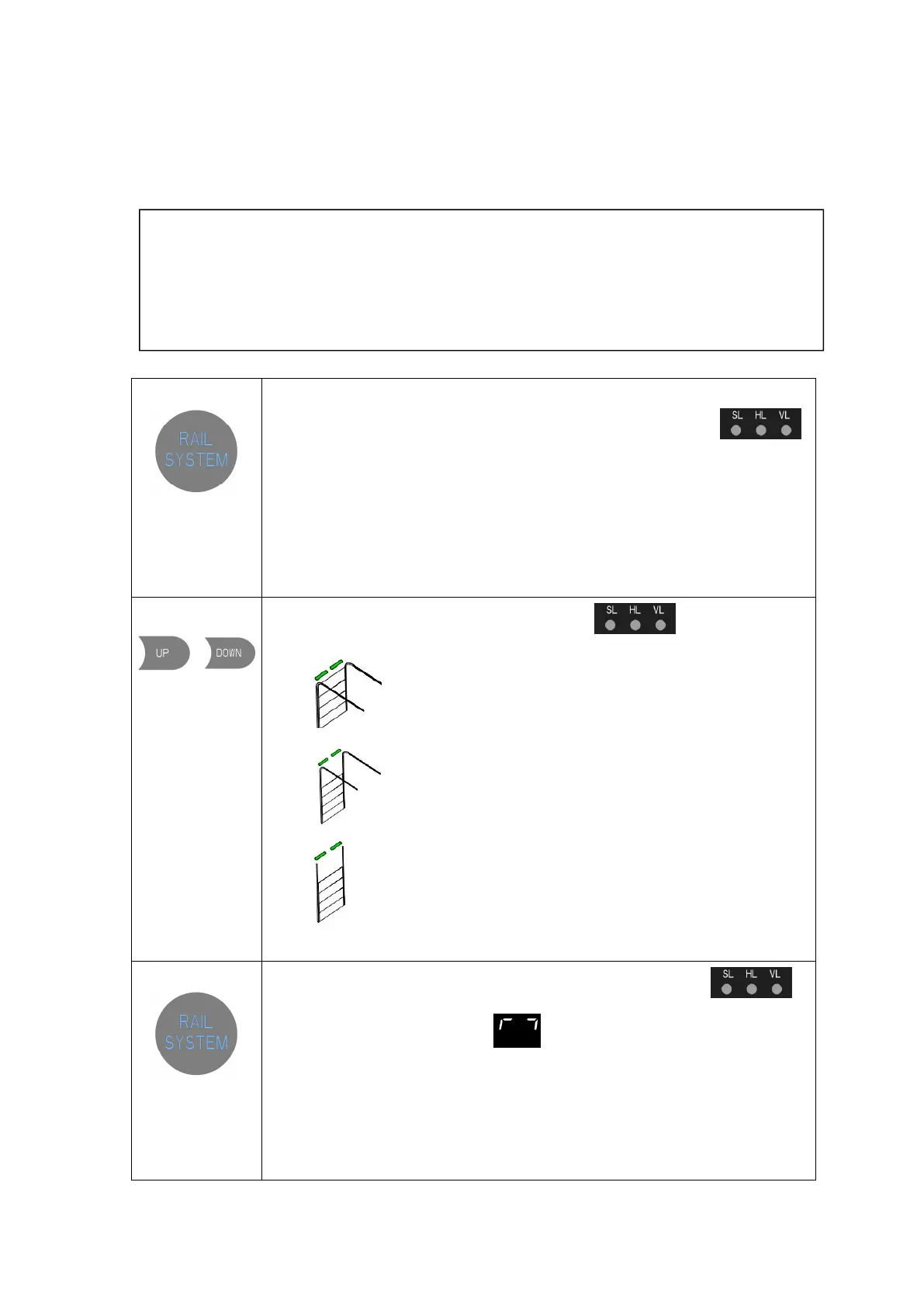
1.Long press:
over 3 seconds to
enter into RAIL
SYSTEM
selection
All of the indicator lights are light up constantly for “SL,HL,VL” and then off.
Then release the button until one of the indicator lights flashes.
2.Short press:
/
to select the
corresponded
RAIL SYSTEM of
the door.
The corresponded light flashes for “SL,HL,VL”
SL: Standard lift sectional doors with cylindrical cable drum
HL:High lift sectional doors with cylindrical-conical cable drum
VL:Vertical lift sectional doors with conical cable drum
3.Short press:
to confirm the
selected Rail
System
The corresponded indicator light is constant on for
“
SL,HL,VL
”
Then, the digital display shows to start the OPEN travel limit setting.


 To Next Page