Controls
and features
38
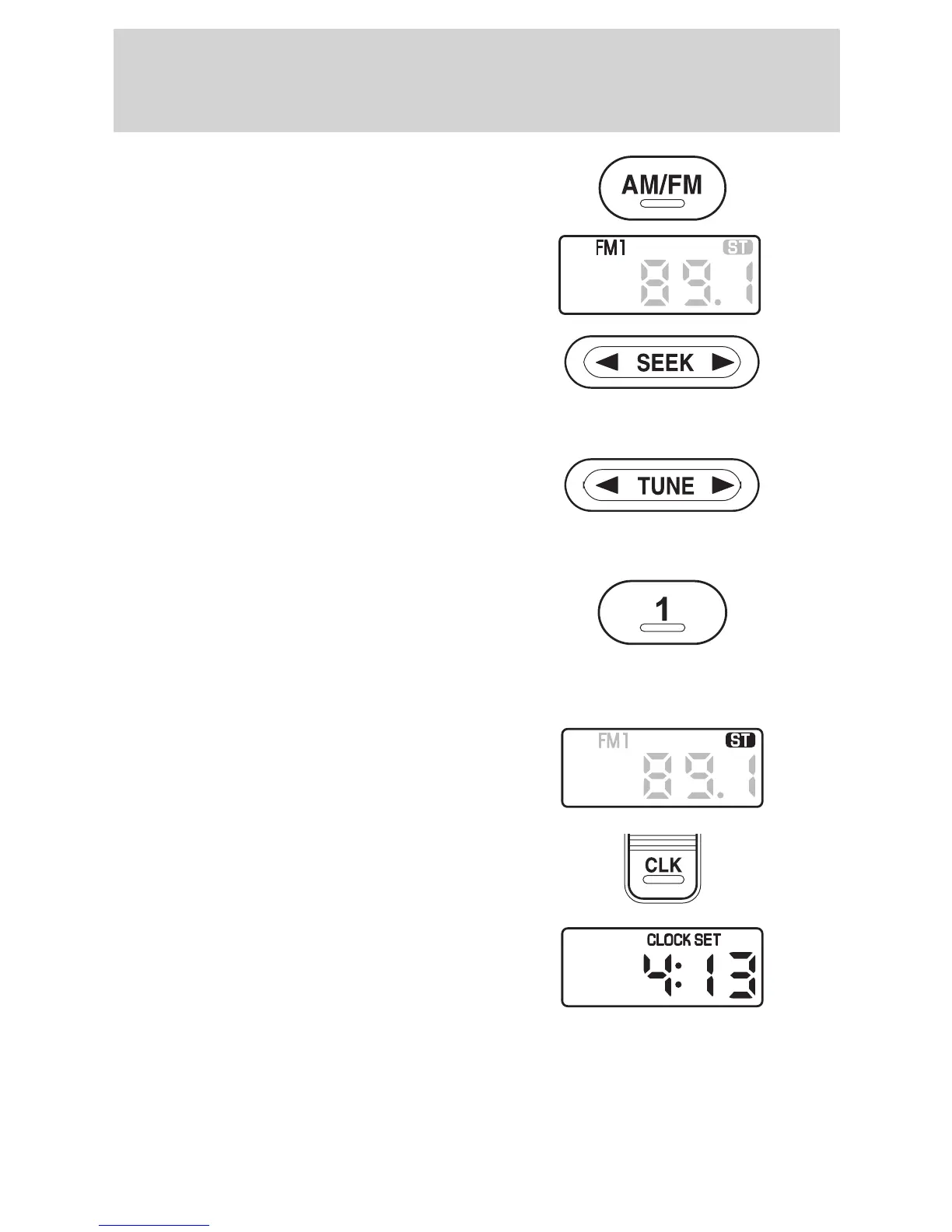
Waveband selector (AM/FM)
Press repeatedly during radio
reception to select AM, FM1 or
FM2. The display indicates the
selection made.
Seek/tuning
control (SEEK)
Press A or " to locate the next
station down or up the waveband
selected.
Manual tuning control (TUNE)
Press A or " to locate the next
frequency step down or up the
waveband selected.
Station
presets
Tune to the station required. Press
and hold one of the preset buttons.
When sound returns, the station
has been stored.
Stereo indicator
ST"shows whenever a stereo signal
is received.
Clock (CLK)
Press CLK to alternate the display
between clock and frequency.
To adjust the time, press and hold
CLK. CLOCK SET will be displayed.
With CLK still held, press SEEK to
adjust the hours and TUNE to
adjust minutes.















 To Next Page