Controls
and features
44
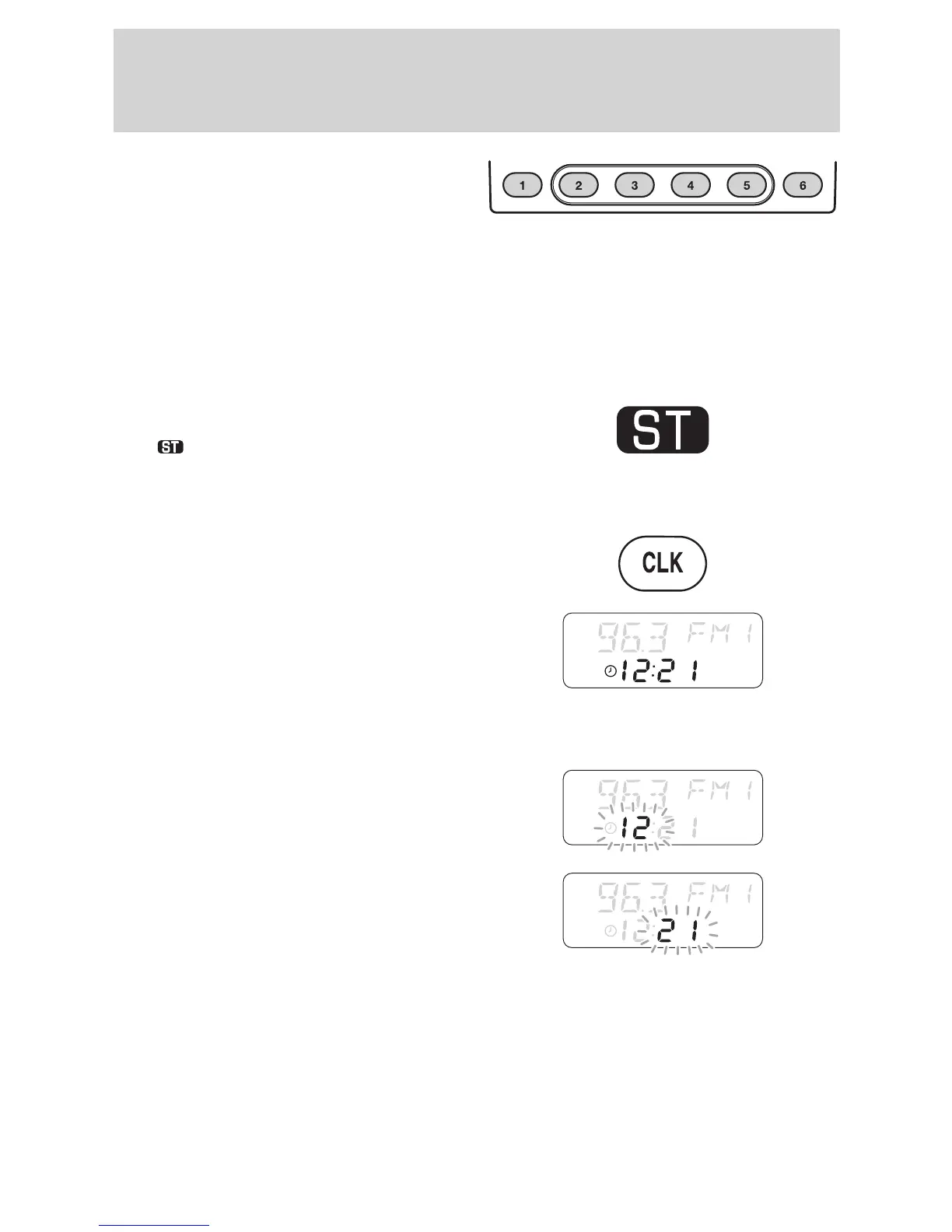
Station preset buttons
Select a waveband (FM or AM) and
tune to the station required. Press
and hold one of the preset buttons.
When sound returns, the station
has been stored.
24 preset frequencies can be stored
- six on each of the AM, FM1, FM2
and AutoStore bands.
Stereo indicator
The
symbol shows whenever a
stereo signal is received.
Clock (CLK)
Press CLK to alternate the display
between clock and, when playing,
CD elapsed time.
With the ignition switched off,
press CLK to display the time for a
short period.
Adjusting the clock
With the radio switched on, press
and hold CLK until the hour digit
flashes. Use the volume control to
adjust.
Press CLK again for the minutes
and use the volume control to
adjust. Press CLK again to return to
normal operation.















 To Next Page