CD units are designed to play commercially pressed 4.75 in
(12 cm) audio compact discs only. Due to technical
incompatibility, certain recordable and re-recordable compact
discs may not function correctly when used in Ford CD players.
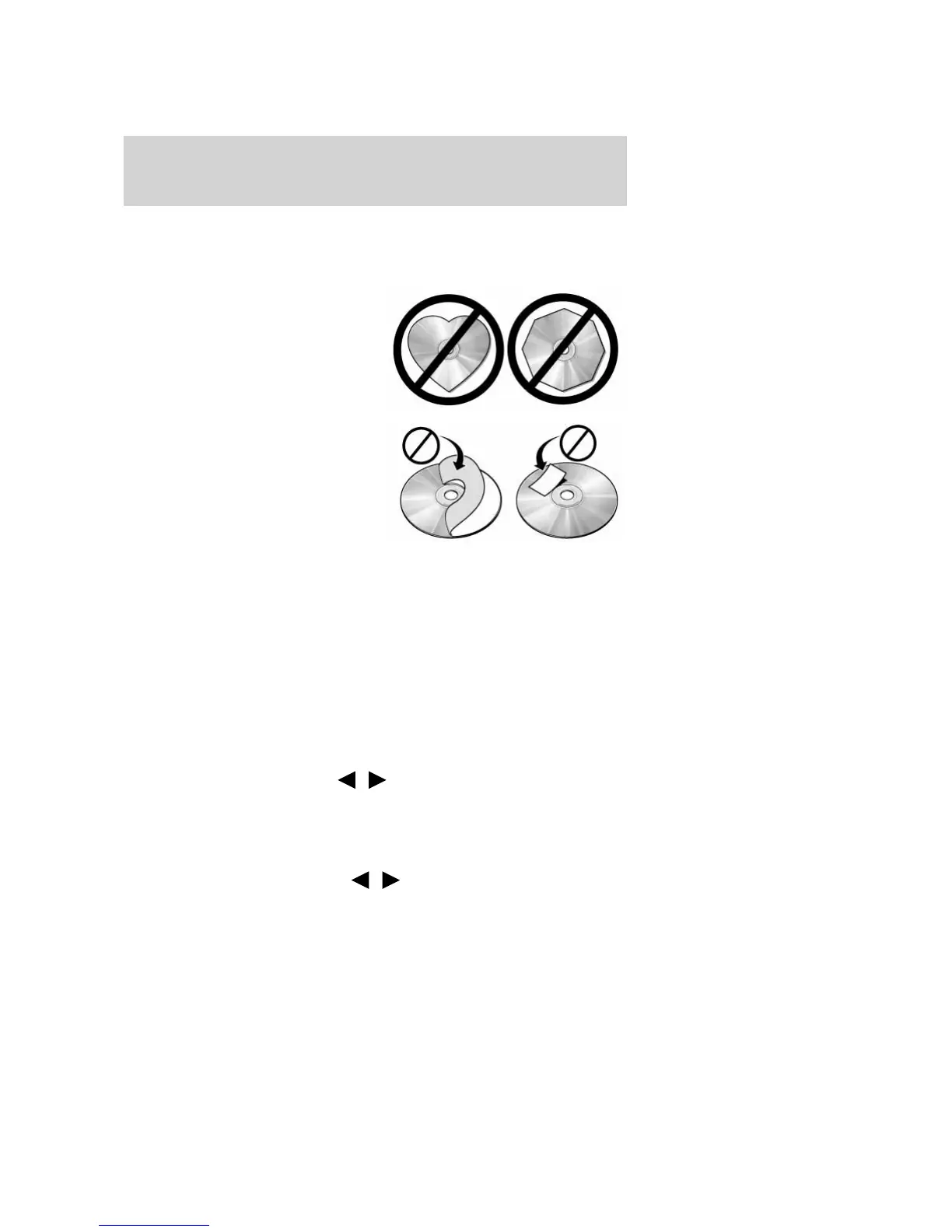
Do not use any irregular shaped
CDs or discs with a scratch
protection film attached.
CDs with homemade paper
(adhesive) labels should not be
inserted into the CD player as
the label may peel and cause the
CD to become jammed. It is
recommended that homemade
CDs be identified with
permanent felt tip marker rather
than adhesive labels. Ballpoint pens may damage CDs. Please
contact your authorized dealer for further information.
Audio system warranty and service
Refer to the Warranty Guide/Customer Information Guide for audio
system warranty information. If service is necessary, see your dealer or
qualified technician.
Operating your audio system with MP3-formatted discs
Your MP3 system recognizes MP3 discs upon insertion and provides you
with two ways to listen to these discs:
• Flat file mode– This mode ignores any folders on the discs and plays
all MP3 files found in any folder on the disc exactly as if there were
no folders on the disc.
When in flat file mode press
/ to access the previous/next
track.
• Directory mode– This mode finds all of the folders on the disc and
then allows you to pick any folder on the disc and play only the MP3
files in that folder.
When in directory mode press
/ to access the previous/next
MP3 file in the current folder only.
2009 Ranger (ran)
Owners Guide, 2nd Printing
USA (fus)
Entertainment Systems
35


 To Next Page
 Loading...